AI Assisted
Export: PDF & DOCX
Get your custom agreement in minutes
4.8 Rating
Downloaded 3499 times
Get your complete
agreement in minutes
Select a template
Each template already follows legal structure and best practices.
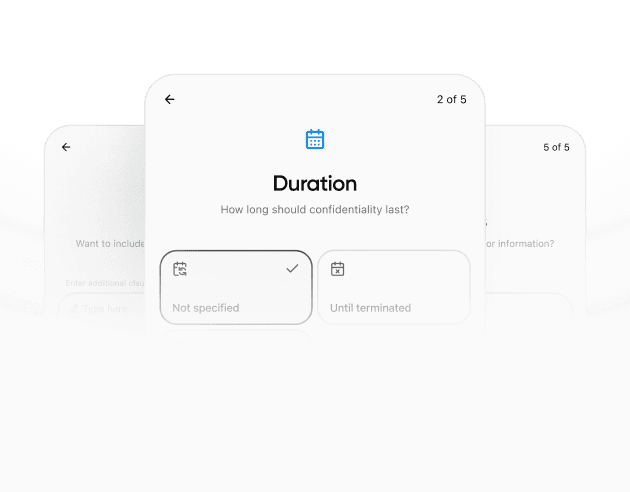
Provide details
The agreement is automatically filled and adapted to your inputs.
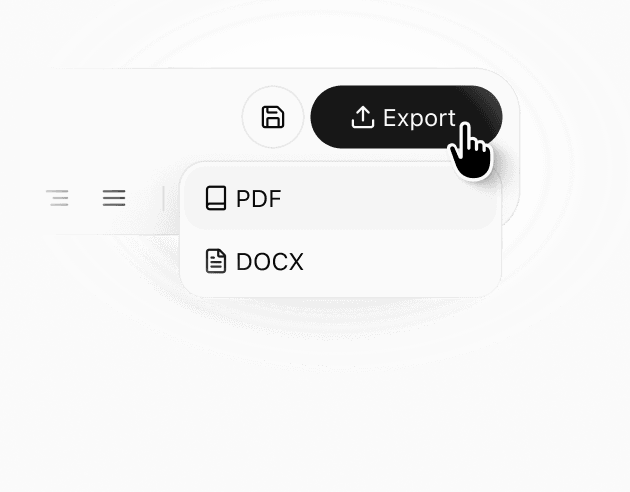
Review & download
Check the generated document, make edits if needed, and download a ready-to-use agreement.
Details
Learn more about
Car Rental Agreement Template: Rates, Insurance Florida Law
Florida Car Rental Agreement Template FAQ
What is a Car Rental Agreement?
A Car Rental Agreement (also called a car hire agreement) is a written contract between the vehicle owner (or rental company) and the renter that sets the rules for using a car in exchange for payment. It usually covers the rental period, pricing, deposit, mileage/fuel rules, and whether extra drivers are allowed. It also explains responsibility for damage, accidents, tickets, and tolls, so both sides know what happens if there’s a problem during the rental. A typical car rental agreement also describes how the vehicle’s condition is recorded at pickup and return.
When should you use a Car Rental Agreement?
Use a Car Rental Agreement anytime a vehicle is provided for use in exchange for payment (or other compensation) — through a company, peer-to-peer platform, or a private deal. It’s especially useful when a deposit is collected, the rental lasts more than a day, multiple drivers may use the car, or you need clear car rental terms and conditions for mileage, fuel, and late returns. Written terms set expectations upfront and make disagreements easier to resolve if the car comes back late or in a different condition. It can also clarify required documents and what to do for breakdowns or roadside issues.
What should be included in a Car Rental Agreement?
A Car Rental Agreement should include:
Parties: names, contact details, driver eligibility (ID/license where required)
Vehicle: make/model, VIN/plate, odometer, fuel/charge level
Rental term: pickup/return date, time, location
Costs: rate, taxes, deposit (security vs prepaid), late/cleaning/smoking fees
Mileage & fuel/charge: limits, refuel/recharge rules and fees
Tolls & tickets: how they’re handled + any admin fees
Insurance & liability: coverage, deductible/excess, key exclusions, who pays what
Condition report: inspection checklist + photos at pickup/return
Incidents: steps for accidents, damage, breakdowns, reporting requirements
Use rules: authorized drivers, prohibited use, geographic restrictions
Signatures: date and signed acceptance
Can you cancel or change a Car Rental Agreement after it’s signed?
It depends on the agreement and timing. Before pickup, changes to dates, location, or driver details are usually possible, but availability and price may change. Cancellations follow the stated policy: some rates allow free cancellation within a window; others charge a fee or are non-refundable. After pickup, extensions or early returns typically require approval and updated charges, and refunds aren’t guaranteed. Confirm any change in writing and keep the latest copy, including deposit and refund terms.
What should I do if my deposit or authorization hold isn’t released after the rental?
First, check whether you’re seeing a security deposit refund or an authorization hold — holds are controlled by your bank and can take several business days (sometimes longer, depending on the bank/issuer) to drop off even after the rental closes. Confirm the final receipt shows the rental is closed and no balance is pending. Then contact the rental company/platform with your agreement number and ask for the release date and proof of release. If they confirm it was released but your bank still shows it, call your card issuer and ask about their hold timeline. Save receipts, messages, and timestamps. If it isn’t resolved, dispute it with your card issuer within their time limits, using receipts and written confirmation.
How can I avoid surprise fees when I return the rental car?
Surprise fees often come from fuel, late return, tolls, cleaning, or damage. Before returning, review the key policies (fuel level, mileage limits, toll program, and return time). Refill fuel according to the rules and keep the receipt, then take timestamped photos at return: exterior (all sides), wheels, windshield, interior, odometer, and fuel gauge. Return the car during staffed hours when possible and request a written return confirmation showing time, mileage, and condition. If you must do after-hours drop-off, send the photos to the rental company/platform in the app or email so they’re shared and time-stamped.
Similar templates