AI Assisted
Export: PDF & DOCX
Get your custom agreement in minutes
4.8 Rating
Downloaded 4120 times
Get your complete
agreement in minutes
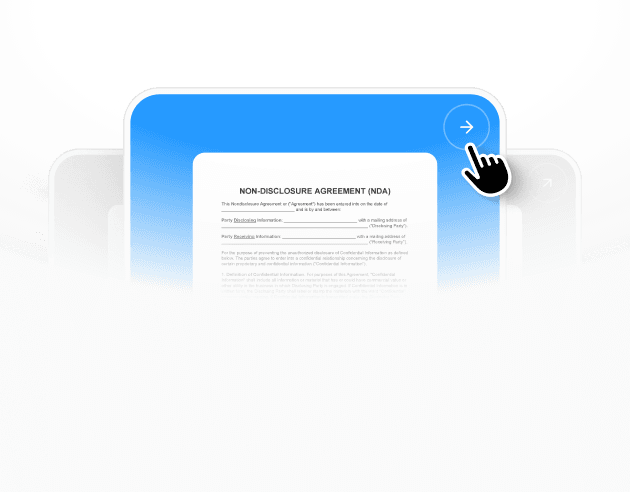
Select a template
Each template already follows legal structure and best practices.
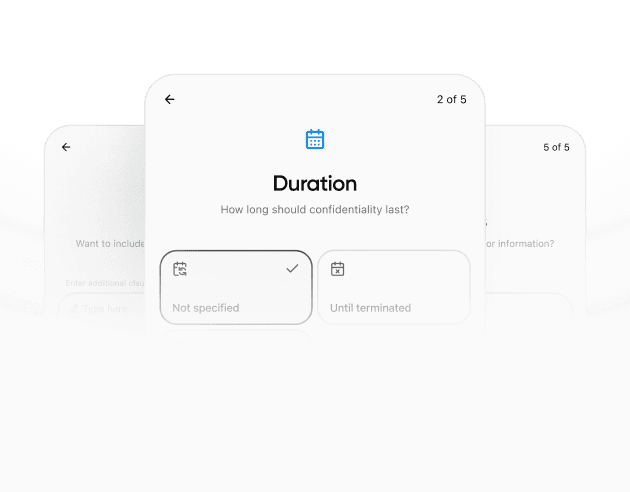
Provide details
The agreement is automatically filled and adapted to your inputs.
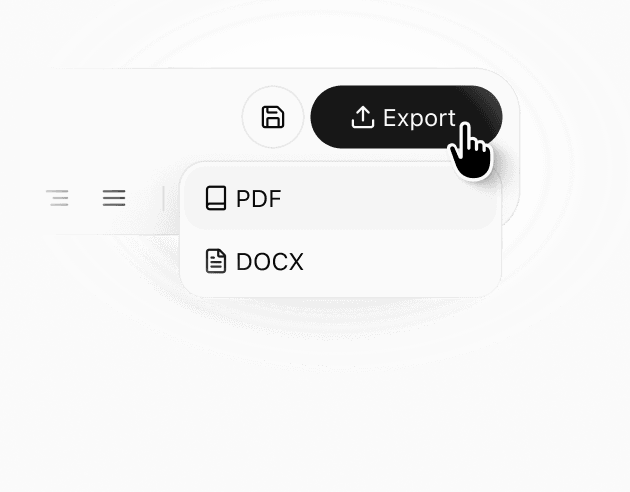
Review & download
Check the generated document, make edits if needed, and download a ready-to-use agreement.
Details
Learn more about
KYC Form Template: Verification & Compliance – New York
New York KYC Form Template FAQ
What does a risk assessment section in a KYC form actually do?
A risk assessment section is an internal checkpoint that helps reviewers summarize how they evaluated the customer file using the information collected. It typically records a risk level selection and whether additional review is needed, without turning the form into a long memo. The key benefit is consistency: different reviewers can use the same fields and reach decisions that are easier to compare. A short risk section also supports later audits because it shows that the file was reviewed and classified, even if the supporting analysis lives in a separate system or case notes.
Why use a verification timeline instead of only free-form notes?
A timeline makes the onboarding sequence clear at a glance: what was received, what was checked, what follow-up was requested, and when a decision was made. That structure is helpful when more than one person touches the file or when a customer submits documents in multiple rounds. Timelines also reduce repeated requests because the reviewer can see whether an item was already provided and reviewed. Compared with a paragraph of notes, a timeline is easier to scan and easier to reconcile if a customer questions what was requested or when it was processed.
How should screening outcomes be recorded without exposing sensitive details?
Many teams record screening as a status and a reference ID rather than embedding full results in the KYC form. A simple outcome like clear, potential match, or requires review can be paired with the date the check was performed and the report or case ID stored elsewhere. This keeps the form tidy while still providing an audit trail. If the outcome requires escalation, the form can also record who reviewed the result and whether follow-up was completed. The goal is traceability, not duplicating the content of specialized screening tools.
What if a customer will not provide a requested document?
If a document is not provided, the form should record the request, the reason given if any, and the current decision status, such as pending or declined. This prevents the file from becoming a collection of informal emails that are hard to interpret later. Some organizations can accept alternative records depending on policy, while others cannot proceed. The KYC form’s value is that it documents the decision point clearly, including what was missing and what follow-up was requested, so the next reviewer does not have to reconstruct the sequence from scratch.
How do I avoid collecting more information than I need?
Data minimization starts with aligning the form fields to your actual onboarding requirements and removing optional items that do not drive a decision. Instead of adding more fields, consider using a reference ID approach for documents so you can verify what you need without rewriting it in multiple places. If you need extra context for a higher-risk customer, keep that in a separate module or case file so routine customers are not burdened. A well-structured KYC form is predictable and lean, which improves completion rates and reduces processing time.
Can a KYC form be used for both individuals and business customers?
Yes, as long as the form clearly separates individual identity fields from business-only sections like entity registration and authorized signers. The most common approach is a shared core for identity and contact details, with add-on sections that are marked not applicable when the customer is not an entity. This avoids maintaining multiple templates while still collecting the right details. Consistency matters because reviewers learn where to find information quickly, which reduces errors. A flexible layout also makes it easier to scale onboarding across different product lines or teams.
Should the KYC form include an expected activity description?
An expected activity description can be useful as a baseline for internal monitoring and customer support, especially when the customer later asks why a transaction appears unusual. Even a short statement about typical transaction size, frequency, and payment channels can reduce confusion. The field does not need to be overly detailed; it is a starting point that can be updated if usage changes. If your organization does not use this information, the section can be left blank or marked not applicable, but many teams find it helpful for clarity after onboarding.
Similar templates