

Legal research is no longer just keyword search. Lawyers need to find reliable authority. They also need to verify citations, check whether the law is still valid, and turn research into practical analysis.
That is why AI legal research tools matter. They help law firms, solo attorneys, paralegals, law students, and legal teams work faster. The best platforms support case law, statutes, regulations, citators, litigation data, court records, tax guidance, and verified legal sources.
This guide covers tools for case analysis, citation checking, litigation research, tax research, trial court research, and everyday legal research preparation.
You Might Also Like:
Quick Comparison: Best AI Legal Research Tools
| Tool | Best for | Main research use case |
|---|---|---|
| AI Lawyer | Everyday legal research support | Legal Q&A, summaries, plain-language explanations, research preparation |
| Westlaw Precision | Verified legal research | Case law, statutes, KeyCite, AI-assisted research |
| Lexis+ with Protégé | Advanced legal research | Shepard’s validation, primary law, secondary sources |
| CoCounsel Legal | Deep AI legal research | Multi-step research grounded in trusted legal content |
| vLex Vincent AI | Global legal research | AI research across a large global legal database |
| Fastcase Library by vLex | Affordable legal research | Cases, statutes, regulations, citator, AI case analysis |
| Bloomberg Law | Legal research + data | Dockets, legal news, litigation analytics |
| Paxton AI | AI research with citations | Source-backed answers, drafting, document analysis |
| Blue J | Tax research | Verifiable tax answers, tax memos, client-ready explanations |
| Trellis | Trial court research | State trial court data, dockets, rulings, judge analytics |
Why AI Legal Research Tools Matter
Legal research is high-stakes work. A tool may sound impressive, but if it cannot connect answers to reliable legal sources, it should not be treated as final authority.
Lawyers still need to confirm whether a case is real, current, jurisdictionally relevant, and actually supports the point being made.
The strongest AI legal research tools help in three main ways.
First, they speed up source discovery. Instead of manually reviewing dozens of search results, lawyers can find relevant cases, statutes, regulations, court records, or guidance faster.
Second, they support verification. Tools with citators, source links, treatment signals, or citation validation systems help users check the reliability of authority. For example, KeyCite helps verify whether legal materials remain good law, while Shepard’s supports citation validation inside LexisNexis workflows.
Third, they turn research into usable analysis. Some tools can summarize cases, compare authorities, generate research memos, identify related issues, or show how judges and courts handled similar matters.
AI can make research faster, but it does not replace legal judgment. Every citation, quote, and conclusion still needs professional review.
How to Choose an AI Legal Research Tool
The right tool depends on the type of work you do most often.
If you need quick legal explanations, document summaries, or help preparing for deeper research, start with AI Lawyer.
If your priority is verified case law and citation checking, compare Westlaw Precision, Lexis+ with Protégé, Fastcase Library by vLex, or vLex Vincent AI.
For AI-generated legal answers with sources, consider CoCounsel Legal, Paxton AI, Lexis+ with Protégé, or vLex Vincent AI.
For tax-specific research, Blue J is more relevant than a general AI legal assistant.
For trial court data, judge behavior, motions, rulings, dockets, or state court litigation patterns, Trellis and Bloomberg Law are better suited than a traditional case law database alone.
If budget is a major factor, Fastcase Library by vLex may be a more accessible starting point than enterprise platforms.
Top 10 AI Legal Research Tools
AI Lawyer
Best for: everyday legal help, document drafting, legal document summarization, and simple research support.
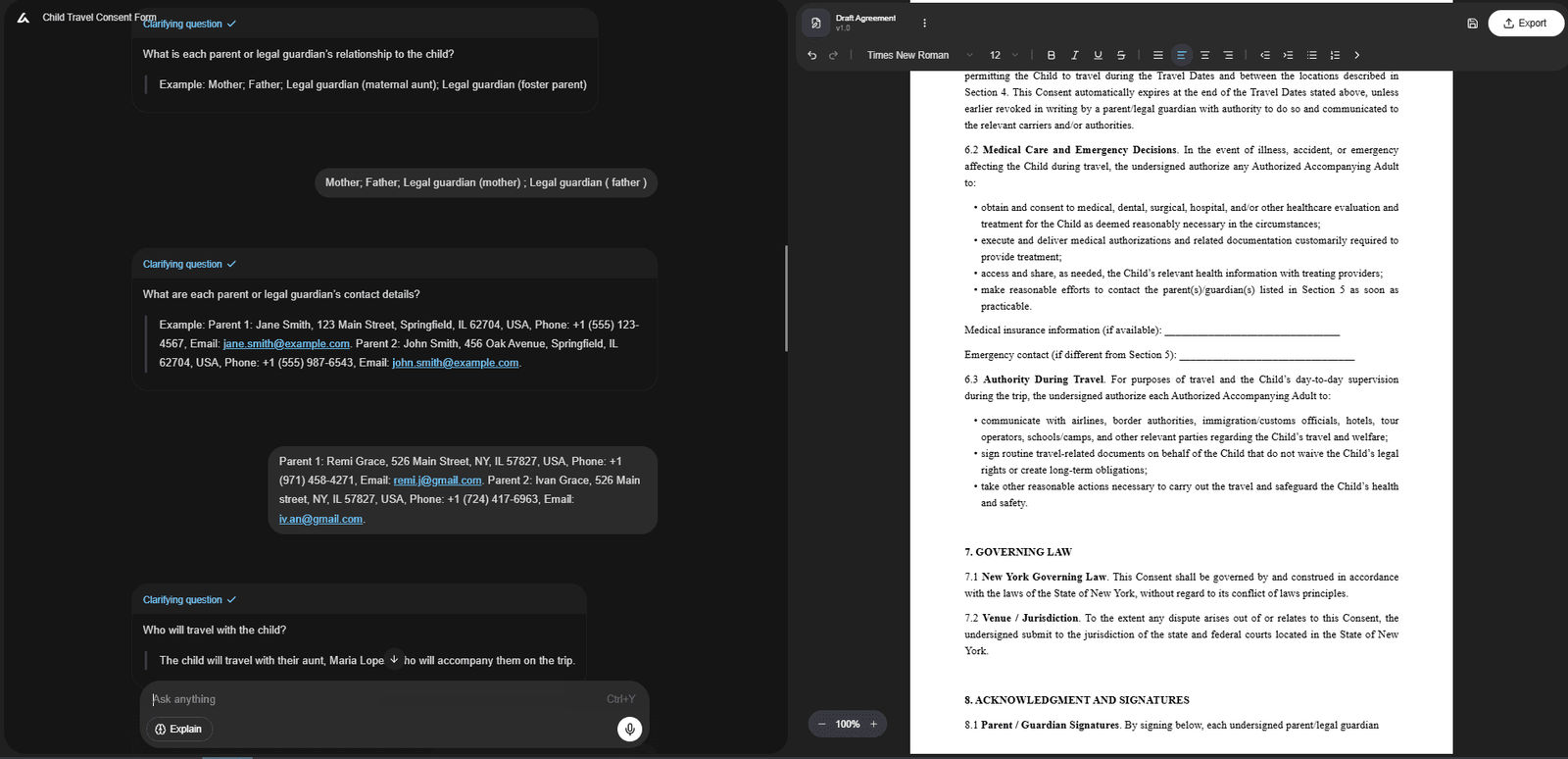
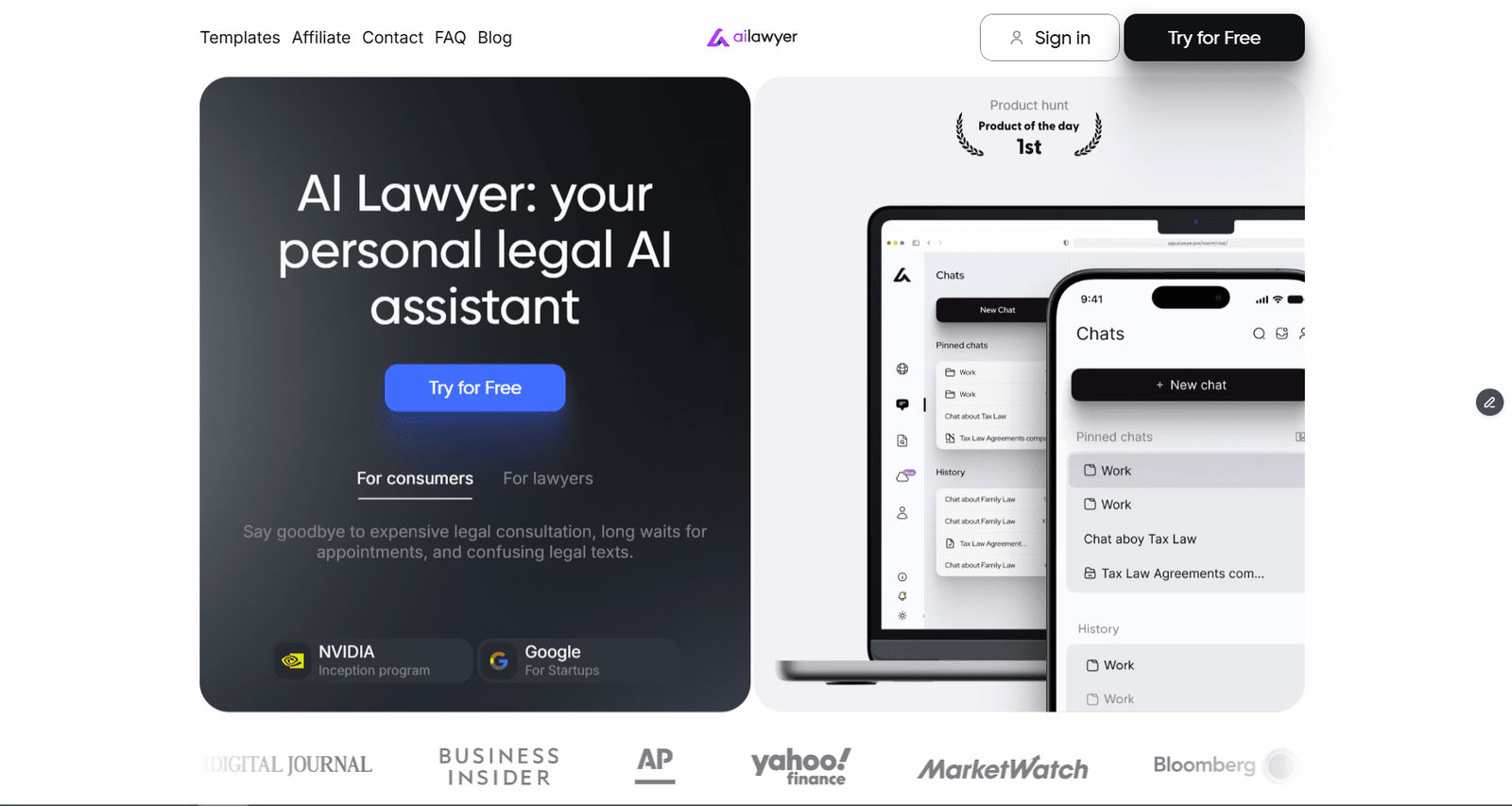
AI Lawyer is a practical AI legal assistant for consumers, law students, solo lawyers, and small firms. It helps users turn legal questions, contracts, clauses, or documents into clearer, easier-to-use information.
For example, a freelancer can upload a contract and ask the tool to summarize unclear clauses, flag confusing terms, and prepare questions before speaking with an attorney.
Main value: It helps users understand and prepare legal text faster, while still leaving final review to a legal professional.
Key features: legal Q&A, AI legal document drafting, document summarization, document analysis, plain-language explanations, web and mobile access.
Pros: affordable, easy to use, useful for first drafts and summaries.
Cons: not ideal for complex litigation strategy, advanced citation checking, or high-stakes legal advice.
Westlaw Precision
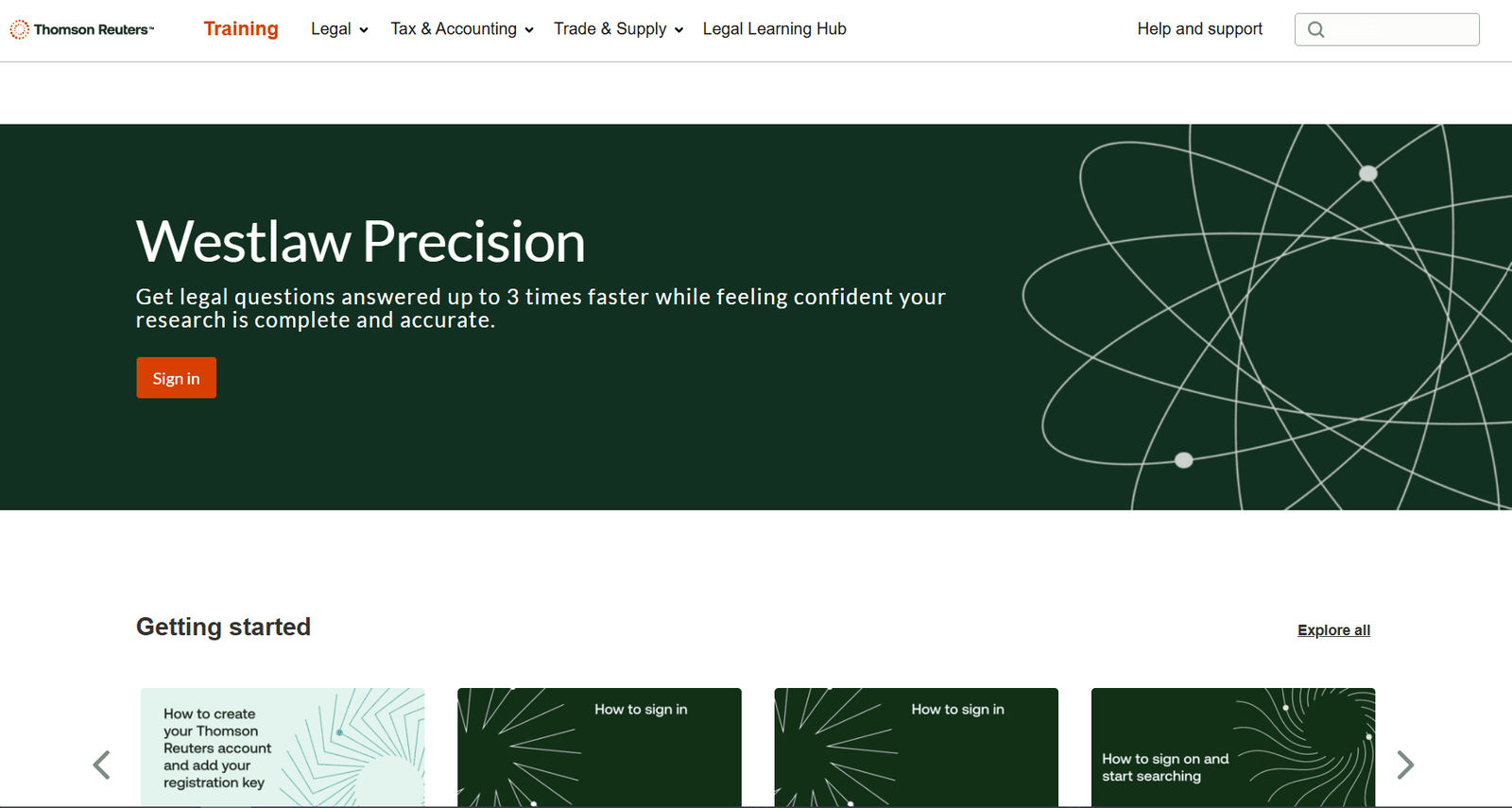
Best for: verified AI case law research, citation checking, and high-confidence legal research.
Westlaw Precision is built for lawyers who need research based on trusted legal content. It helps users find relevant authority, verify case law, and connect answers to Westlaw’s database.
Its KeyCite system is especially important because it helps lawyers check whether cases, statutes, regulations, and administrative decisions are still good law. KeyCite Overruling Risk can also warn when a point of law may have been implicitly weakened.
Main value: This platform is useful when a legal answer must be supported by authority that can be checked and cited.
Key features: AI-assisted research, Westlaw legal database, KeyCite, KeyCite Overruling Risk, Precision Research, CoCounsel integration.
Pros: trusted legal content, strong citation tools, useful for litigation and research-heavy work.
Cons: expensive, requires training, and may be too advanced for simple document summaries.
LexisNexis+ With Protégé
Best for: advanced legal research, citation validation, AI drafting, legal analysis, and enterprise workflows.
Lexis+ with Protégé combines legal research, drafting, summarization, analysis, Practical Guidance, and Shepard’s citation validation. It is designed for legal teams that want trusted content and AI assistance in one research environment.
Its AI assistant, Protégé, supports research, drafting, analysis, and task completion using LexisNexis content.
Main value: It works best for lawyers who need legal research, citation validation, drafting, and analysis inside one ecosystem.
Key features: Lexis+ with Protégé, Shepard’s citation validation, primary law, secondary sources, Practical Guidance, AI drafting, summarization, analysis.
Pros: strong enterprise platform, trusted sources, citation validation.
Cons: expensive, complex, and likely too much for simple legal questions.
CoCounsel Legal
Best for: deep AI legal research, multi-step legal questions, litigation analysis, and research workflows.
CoCounsel Legal uses generative and agentic AI for legal research, analysis, and drafting. Its Deep Research feature is designed for complex questions that require more than a simple search.
Main value: It helps lawyers handle multi-step research tasks using trusted legal content and structured AI workflows.
Key features: Deep Research, litigation document analysis, drafting support, Westlaw content, Practical Law content, verifiable results.
Pros: strong AI workflow, useful for complex questions, backed by Thomson Reuters legal content.
Cons: enterprise-oriented and may overlap with Westlaw for some users.
vLex Vincent AI
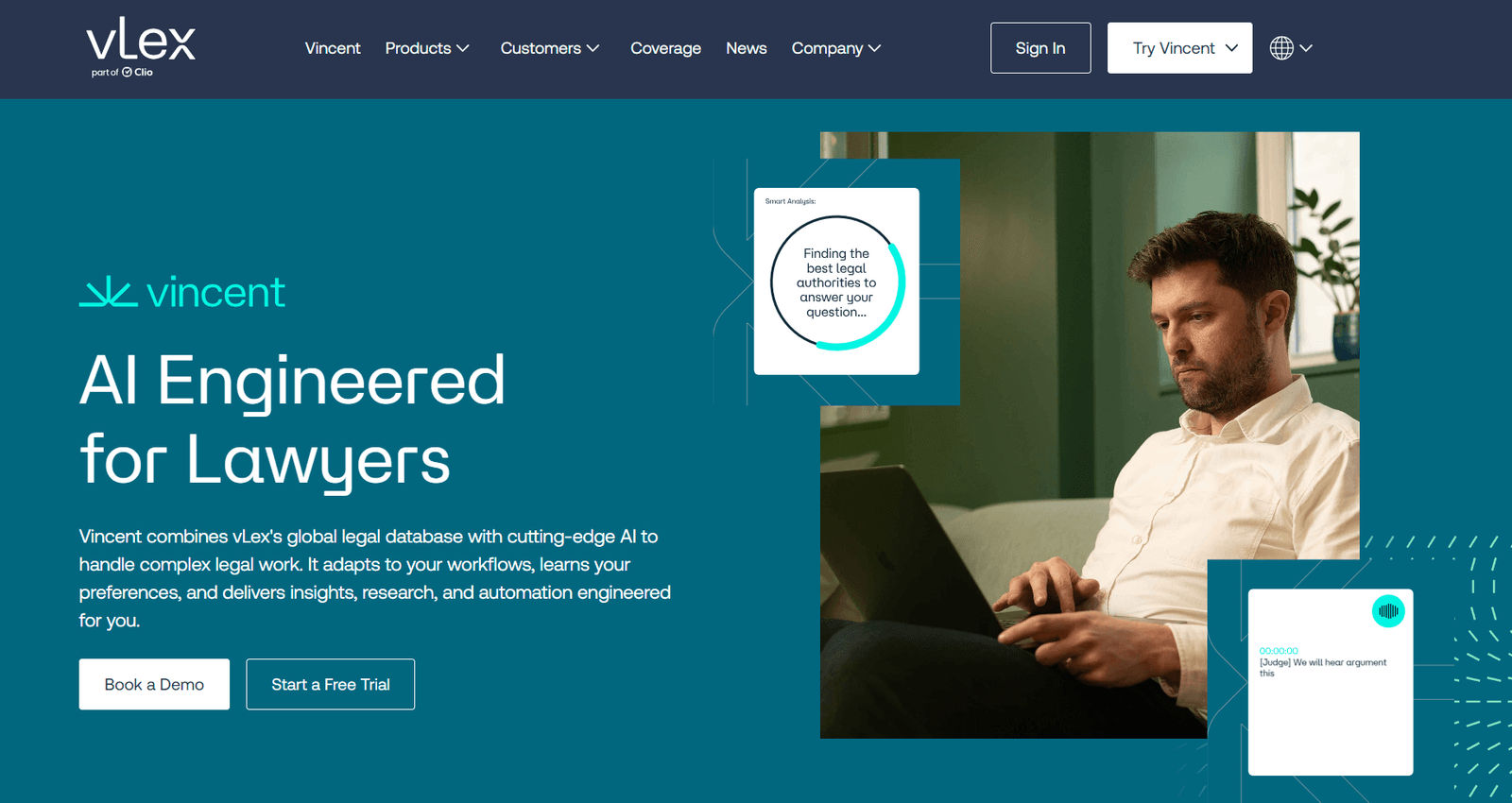
Best for: global legal research, AI-assisted legal insights, and research across a large legal database.
vLex Vincent AI combines vLex’s global legal database with AI research features. It helps lawyers analyze materials and work across legal content from multiple jurisdictions.
Main value: It is especially useful for teams that need AI-powered research across a broad international legal library.
Key features: global legal database, AI research, legal insights, source-supported answers, workflow support.
Pros: broad international coverage, strong AI research layer, useful for cross-border or comparative research.
Cons: may be more than a small local practice needs.
Fastcase Library by vLex
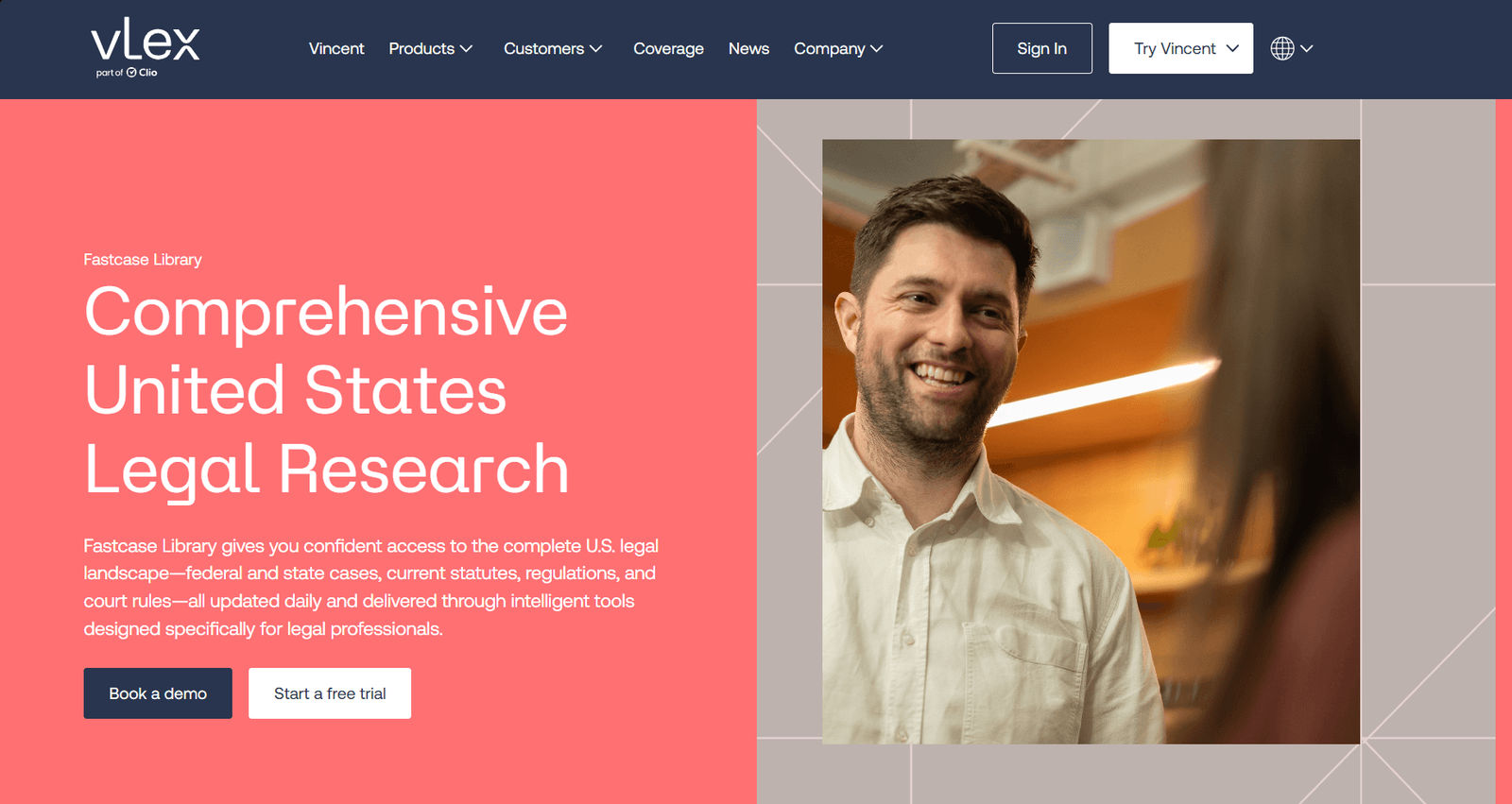
Best for: affordable legal research, U.S. cases, statutes, regulations, court rules, and citator tools.
Fastcase Library by vLex provides access to U.S. federal and state law, including cases, statutes, regulations, court rules, and administrative materials. It also includes tools such as AI Case Analysis and the Cert Citator.
Main value: It is a strong option when lawyers need reliable legal sources with practical AI assistance at a more accessible price point.
Key features: case law, statutes, regulations, court rules, administrative materials, Cert Citator, AI Case Analysis, vLex ecosystem.
Pros: affordable compared with many enterprise tools, broad U.S. coverage, often available through bar associations.
Cons: not as advanced as Westlaw or LexisNexis for high-end research workflows.
Bloomberg Law
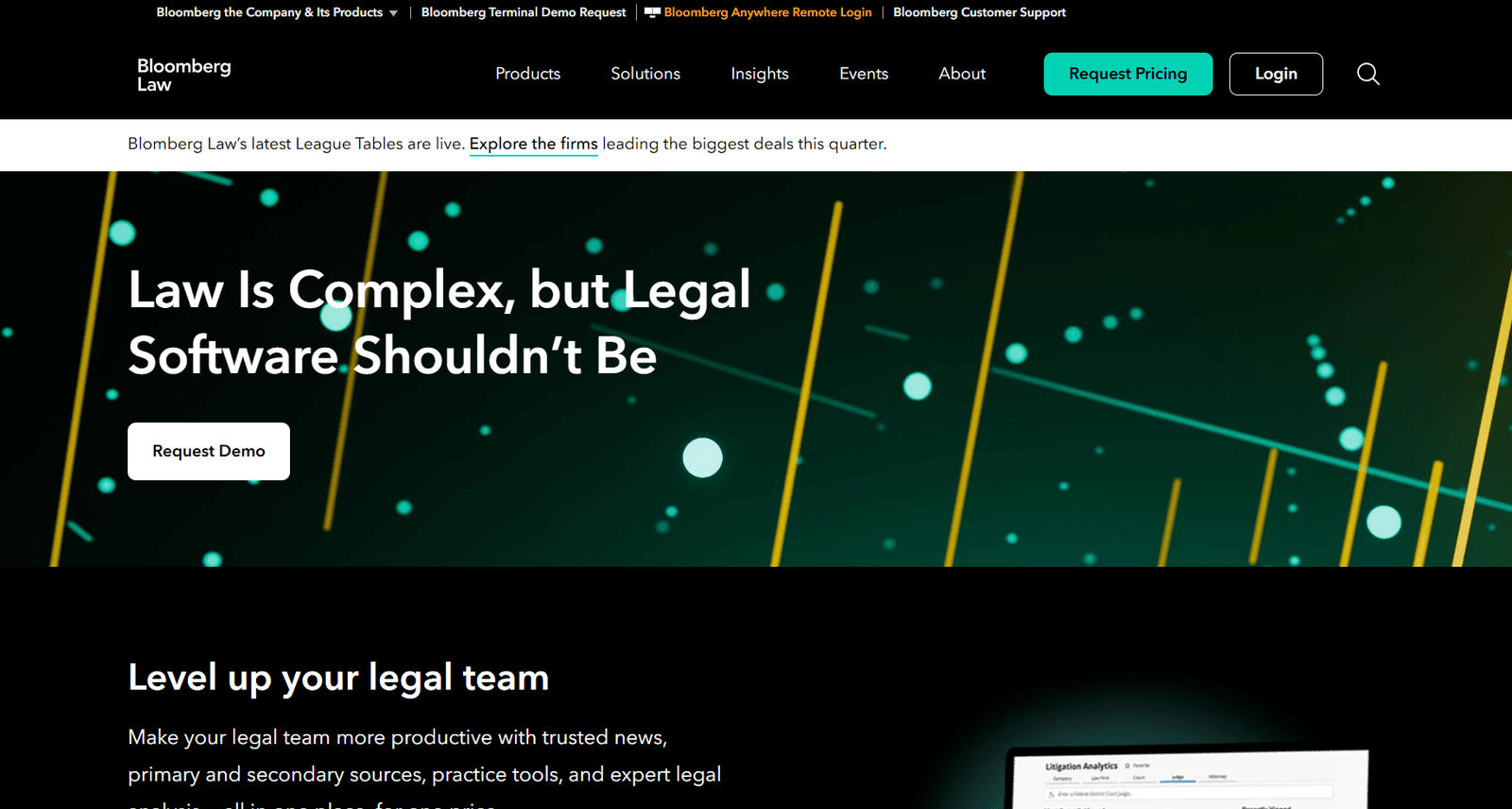
Best for: legal research, docket research, litigation intelligence, legal news, and business-law context.
Bloomberg Law combines legal research with dockets, legal news, business context, and litigation analytics. Its analytics tools help users examine data by company, law firm, attorney, court, and judge.
Main value: It is valuable when lawyers need legal authority, docket activity, market context, and litigation data in one place.
Key features: legal research, dockets, litigation analytics, AI-driven legal intelligence, legal news, transactional data.
Pros: strong for business law, litigation context, and docket-driven research.
Cons: can be expensive and may be too broad for basic case law research.
Paxton AI

Best for: lawyers and legal teams that need research, drafting, and document analysis in one platform.
Paxton AI supports legal research with citations, document drafting, file analysis, and document-heavy workflows. It is useful when a matter involves both factual materials and legal questions.
For example, a personal injury lawyer can use the platform to summarize medical records, build a chronology, identify missing facts, and draft a demand letter.
Main value: It connects document review, legal research, and drafting in a single workflow.
Key features: legal research, AI legal document drafting, file analysis, medical chronologies, billing summaries, citations, source highlighting.
Pros: strong combination of research, drafting, and analysis; useful for document-heavy matters.
Cons: more expensive than lightweight tools and may be too broad for simple document help.
Blue J
Best for: AI-powered tax research, tax memos, source-backed answers, and client-ready explanations.
Blue J is a specialized AI tax research platform. It focuses on defensible tax answers with verifiable sources, making it more relevant for tax professionals than a general legal AI tool.
Main value: It is strongest when users need fast tax analysis that can be checked, explained, and turned into client communication.
Key features: tax research, verifiable answers, inline citations, primary and secondary materials, memo drafting, email drafting, follow-up questions.
Pros: strong for tax-specific research and client-ready explanations.
Cons: not a general legal research platform and not for eDiscovery or intake.
Trellis
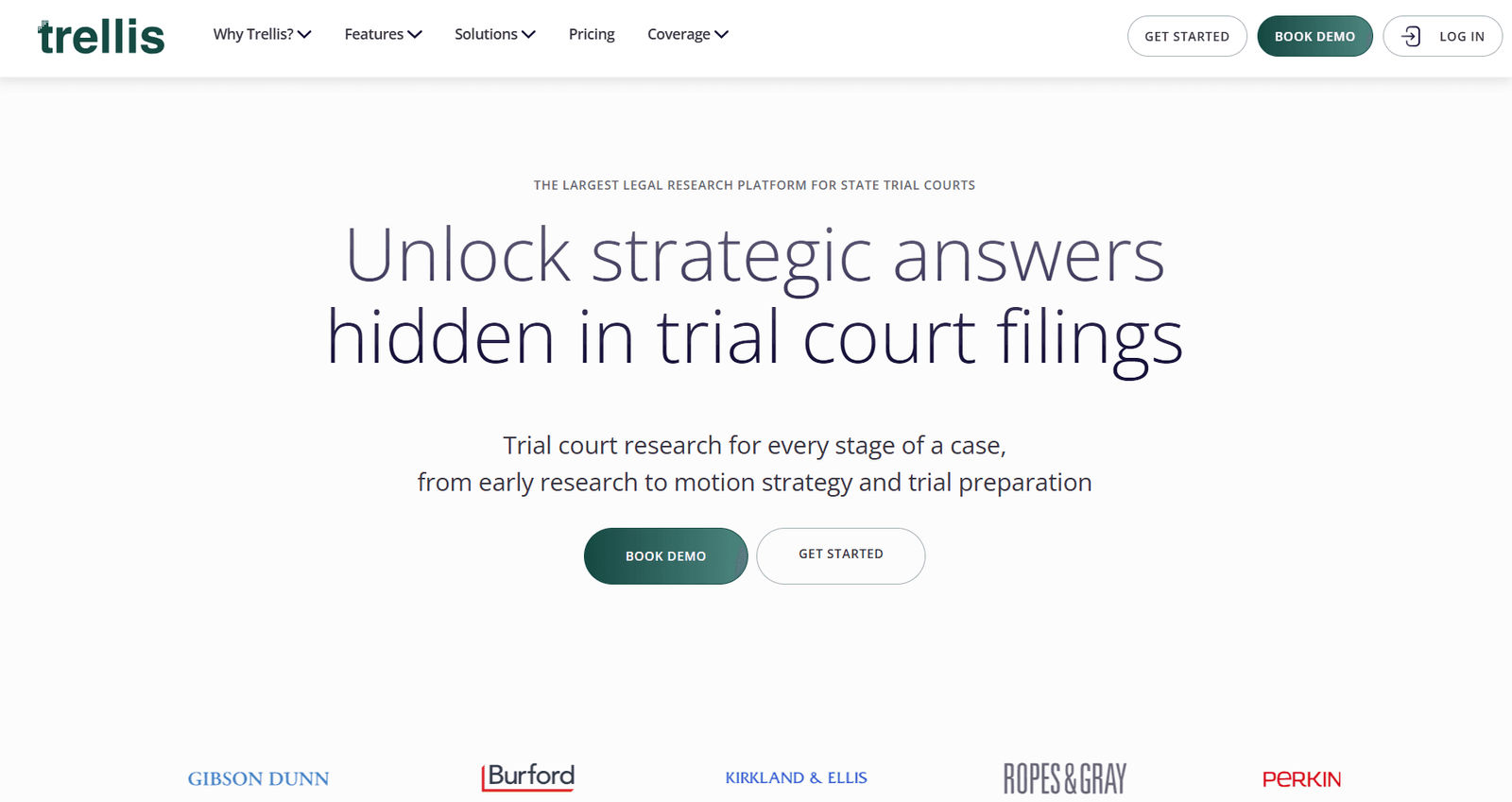
Best for: state trial court research, judge analytics, dockets, rulings, motions, and litigation insights.
Trellis focuses on AI-powered state trial court research and litigation intelligence. It gives users access to dockets, rulings, documents, judge analytics, and motion data.
Main value: It helps lawyers understand what actually happens in trial courts, not only what appears in appellate opinions.
Key features: state trial court data, judge analytics, dockets, rulings, motions, documents, litigation insights.
Pros: strong for litigation research, motion strategy, judge research, and state court practice.
Cons: not a replacement for traditional case law databases.
General AI vs AI Legal Research Tools
General AI tools can help with brainstorming, rewriting, and simple explanations. But legal research requires more than fluent text. Lawyers need real authority, jurisdiction-specific analysis, reliable citations, source links, and validation tools.
| Question | General AI | AI legal research tools |
|---|---|---|
| Explains legal concepts | Yes | Yes, usually with legal context |
| Finds real legal authority | Not reliably | Yes, when connected to legal databases |
| Verifies case law | Usually no | Often yes |
| Shows sources | Sometimes | Better tools provide source links or citations |
| Checks whether authority is still good law | Usually no | Tools with citators can help |
| Handles jurisdiction-specific research | Weakly | Stronger when database-backed |
General AI can help with language and structure. AI legal research tools are better when the work depends on authority, verification, and jurisdiction-specific analysis.
Which AI Legal Research Tool Should You Choose?
Choose the tool based on the type of research you do most often.
| If you need… | Start with… |
|---|---|
| Everyday legal research support | AI Lawyer |
| Verified case law research | Westlaw Precision, Lexis+ with Protégé |
| Citation validation | Westlaw Precision, Lexis+ with Protégé, Fastcase Library by vLex |
| AI deep research | CoCounsel Legal, Paxton AI, vLex Vincent AI |
| Affordable legal research | Fastcase Library by vLex |
| Global legal research | vLex Vincent AI |
| Business and docket research | Bloomberg Law |
| Tax research | Blue J |
| Trial court research | Trellis |
| Source-backed AI answers | Paxton AI, CoCounsel Legal, Lexis+ with Protégé |
Conclusion
The best AI legal research tools help legal professionals find, verify, analyze, and understand legal information faster.
For everyday support, summaries, and plain-language explanations, AI Lawyer is a practical starting point. For high-confidence case law research, Westlaw Precision and Lexis+ with Protégé are stronger enterprise options.
For deep AI-assisted workflows, CoCounsel Legal, vLex Vincent AI, and Paxton AI are worth considering. For affordable access to legal sources, Fastcase Library by vLex may be a better fit.
For specialized needs, Blue J is built for tax research, while Trellis and Bloomberg Law are useful for litigation data, court activity, and trial court insights.
AI can reduce research time, but it cannot remove the lawyer’s responsibility to verify sources. Final legal judgment still belongs to the legal professional.
FAQ
What are AI legal research tools?
AI legal research tools help lawyers and legal professionals find, summarize, analyze, and verify legal information. They may work with case law, statutes, regulations, court records, citators, tax guidance, or litigation data.
Is AI Lawyer a legal research tool?
AI Lawyer can support everyday research preparation through legal Q&A, document summaries, plain-language explanations, and document analysis. Complex conclusions and citations should still be checked with primary sources or attorney review.
Can lawyers rely on AI-generated citations?
No. AI-generated citations can be wrong, outdated, or incomplete. Every case, statute, quote, and legal conclusion should be verified before use.
What is the best AI legal research tool for citation checking?
Westlaw Precision and Lexis+ with Protégé are strong options because they connect research with validation tools such as KeyCite and Shepard’s.
What is the best AI legal research tool for tax?
Blue J is one of the strongest options for tax-specific work because it focuses on verifiable tax answers, inline citations, and client-ready explanations.
Sources and References
Disclaimer: This information is for general knowledge and does not constitute legal advice. For guidance on your specific situation, consult a qualified attorney licensed in your state.