AI Assisted
Export: PDF & DOCX
Get your custom agreement in minutes
4.8 Rating
Downloaded 4332 times
Get your complete
agreement in minutes
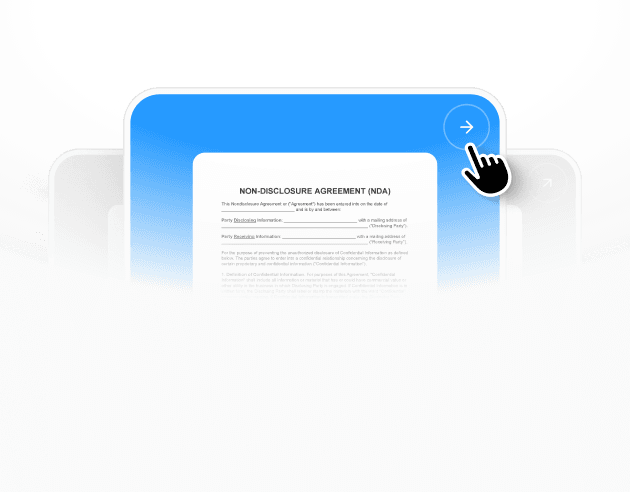
Select a template
Each template already follows legal structure and best practices.
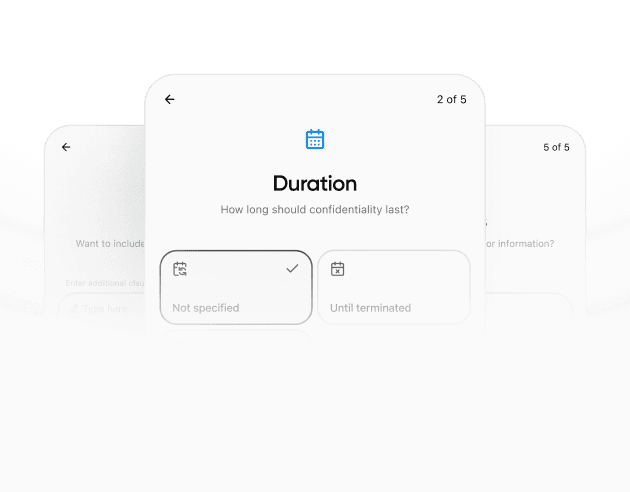
Provide details
The agreement is automatically filled and adapted to your inputs.
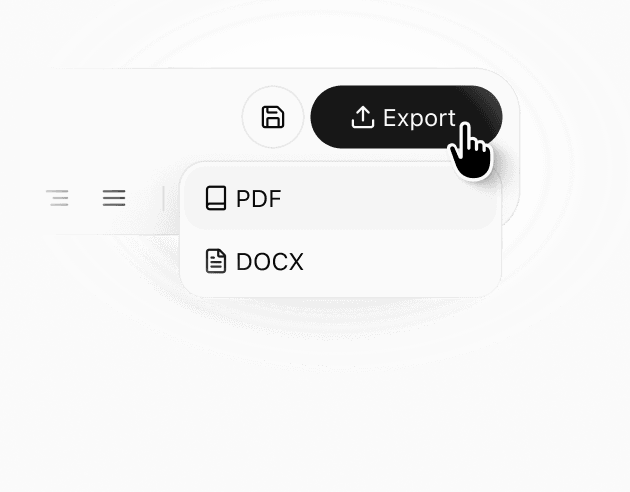
Review & download
Check the generated document, make edits if needed, and download a ready-to-use agreement.
Details
Learn more about
Separation / Divorce-Adjacent Agreements Template – Florida
Florida Separation / Divorce-Adjacent Agreements Hub Template FAQ
What is a mediation settlement agreement in this hub context?
In this hub, a mediation settlement agreement is the document that captures the terms the parties reach in mediation, along with deadlines and follow-through steps. It can cover finances, parenting, and property decisions in one place or can reference separate attachments for detailed schedules. The key idea is that mediation sessions produce decisions, and the settlement agreement records those decisions clearly so both sides know what happens next. The hub helps by listing the mediation settlement option alongside temporary agreements, so you can plan whether you are aiming for interim stability first or a more complete package after mediation.
How can the intake and deadlines section help if we are using a mediator or court calendar?
When a process involves multiple dates — mediation sessions, document exchanges, move-out dates, and signing deadlines — coordination becomes the hardest part. The intake and deadlines module creates a single place to record key contacts, reference numbers, session dates, and target completion dates for each document. That reduces missed tasks and helps both sides stay aligned on timing. Even if you are not in court, tracking deadlines can lower stress because you can see what is due next and who is responsible. A clean schedule also helps mediators because it clarifies what information is still needed before drafting can be finalized.
How do we handle housing stability while agreements are being drafted?
Housing questions often need short-term rules before final terms are ready. The hub supports this by including options like a temporary separation agreement, a move-out agreement, and letters for lease renewal or notice to vacate. You can choose the document that matches your immediate goal — staying put, changing a lease, or planning a move — then fill in dates, bill responsibilities, and key handoff steps. The point is to reduce uncertainty during the drafting period by putting interim expectations in writing. Clear interim housing terms can prevent conflict that arises from assumptions about who pays and who has access.
What should a private child support arrangement entry include in the hub?
A private child support arrangement entry should capture the payment amount, due date, payment method, and what expenses are included or handled separately. It is also helpful to list how medical coverage is handled, how childcare costs are split, and how the parties will address unexpected expenses. The hub keeps those inputs together so you can draft a child support agreement with fewer missing fields. Even if final terms will be formalized later, documenting an interim arrangement can reduce conflict by setting expectations for timing and expense sharing. Clear detail also reduces recurring disputes about reimbursements and receipts.
How can we keep communications and boundaries clear during separation?
Communication breakdown is a common driver of conflict, especially when the parties are still negotiating. The hub supports boundaries by prompting you to document preferred channels, response expectations, and the topics that should be confirmed in writing, such as schedule changes or reimbursements. If children are involved, you can also document exchange communications rules and emergency contact protocols. These boundaries are not about controlling speech; they are about creating predictable ways to coordinate schedules and payments. Keeping communications rules short and specific tends to make them easier to follow, which can reduce last-minute changes and misunderstandings.
Can AI Lawyer turn one completed hub into multiple draft agreements?
Yes. If you complete the hub’s selection worksheet and information checklist, AI Lawyer can use the same inputs to draft multiple related documents with consistent names, dates, and defined placeholders. That is useful when you need a temporary agreement plus a parenting plan and a debt allocation agreement, because the core facts should match across documents. Using one hub as the source also makes updates easier: you change key dates or numbers once, then update related drafts accordingly. This workflow reduces repeated data entry and lowers the risk of inconsistent details across separate documents, while you remain in control of the terms.
Do any documents listed here require notarization?
Some documents people use in separation and divorce planning may be signed with witnesses or notarized depending on the document type and how it will be used. The hub includes categories like real estate title transfers that often involve formal execution and recording steps, but the hub does not assume any specific requirement. A practical approach is to decide how the document will be submitted or recorded and then confirm the execution format needed for that purpose. The hub helps by flagging categories where execution formalities commonly arise, so you remember to check before final signing and avoid delays caused by missing signatures.
Similar templates