AI Assisted
Export: PDF & DOCX
Get your custom agreement in minutes
4.8 Rating
Downloaded 4491 times
Get your complete
agreement in minutes
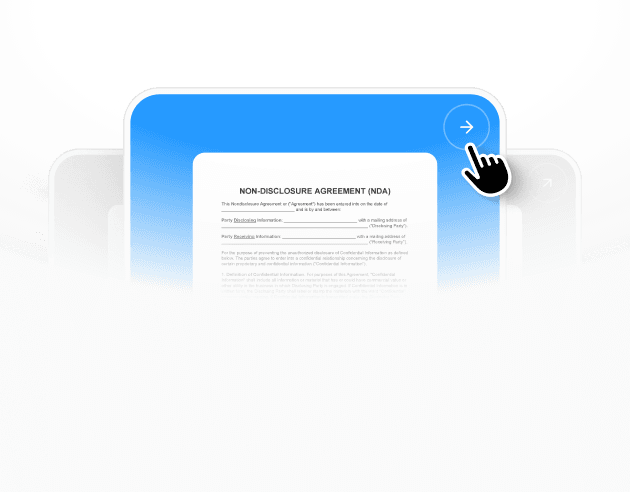
Select a template
Each template already follows legal structure and best practices.
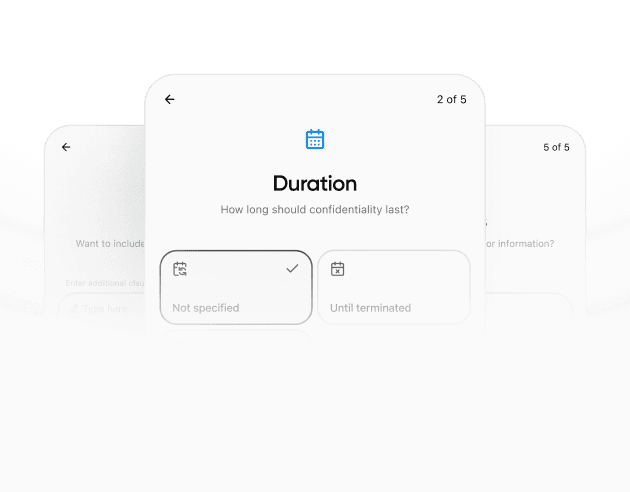
Provide details
The agreement is automatically filled and adapted to your inputs.
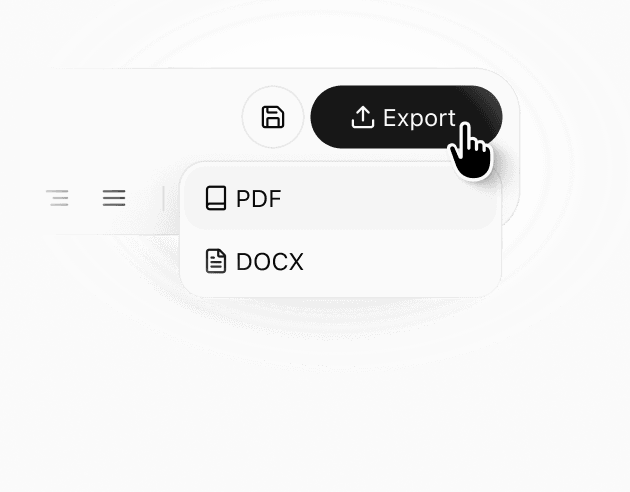
Review & download
Check the generated document, make edits if needed, and download a ready-to-use agreement.
Details
Learn more about
Child Travel Consent Form Template – Washington
Washington Child Travel Consent Form Template FAQ
When is an outdoor or remote access section useful in a travel consent form?
It is useful when the trip includes camps, hiking, rural destinations, or large venues where a standard street address is not enough. Meeting points, GPS coordinates, and nearest facilities can help the accompanying adult respond quickly if plans change or an emergency occurs. It also helps parents understand where pickups and handoffs will happen. Even for city trips, a meeting-point table can reduce confusion when groups split or when phones have limited connectivity. The goal is practical navigation and coordination, not legal formalities.
How should families design a communication plan for the trip?
A communication plan works best when it is realistic and specific. Instead of promising constant contact, set a daily time window, define the method (call, text, app), and list what happens if contact is missed. This helps reduce panic and avoids last-minute escalations. For trips across time zones, choose windows that work for both parties. The form’s communication plan line is intended to document expectations, not to create strict obligations. It becomes a shared reference point if connectivity is inconsistent.
What is the benefit of an emergency response table versus a single emergency contact line?
A table captures both the action to take and who to contact, which is helpful when stress is high. It can cover scenarios beyond medical care, such as travel disruptions or separation at a venue. By naming primary and backup contacts, it reduces the risk that the accompanying adult is unable to reach anyone when quick guidance is needed. The table also helps parents think through practical responses in advance, which can make the accompanying adult more confident in handling unexpected issues during the trip.
Should the form include a document retention or storage method?
Including a storage method is a practical safeguard, especially when multiple copies are shared with schools, trip leaders, or family members. If a copy is misplaced, knowing where the master copy is stored helps you replace it quickly. A retention date is also useful for privacy, because it signals when recipients should stop using or holding the document. These fields do not change the authorization; they help control distribution and prevent old versions from circulating after the travel window ends.
What should be done if the itinerary changes after the form is signed?
If the destination or dates change materially, it is usually best to issue an updated form with the new details and a new execution date, rather than relying on informal messages. That reduces confusion if a third party later asks which authorization applies. If the change is minor, you can attach an updated itinerary table and have the parent sign the updated page. The cleanest approach depends on who needs to rely on the document and how they store it, but clarity and recency are the main goals.
How can you keep the form concise while still travel-ready?
Focus on essentials: correct identities, a clear date range, destination, the accompanying adult’s details, and emergency contacts with medical authorization. Tables are helpful when they replace paragraphs and reduce ambiguity. If you want a streamlined version that still includes the right structure for your travel scenario, AI Lawyer can generate a concise, fill-ready packet with only the modules you actually need.
Similar templates