
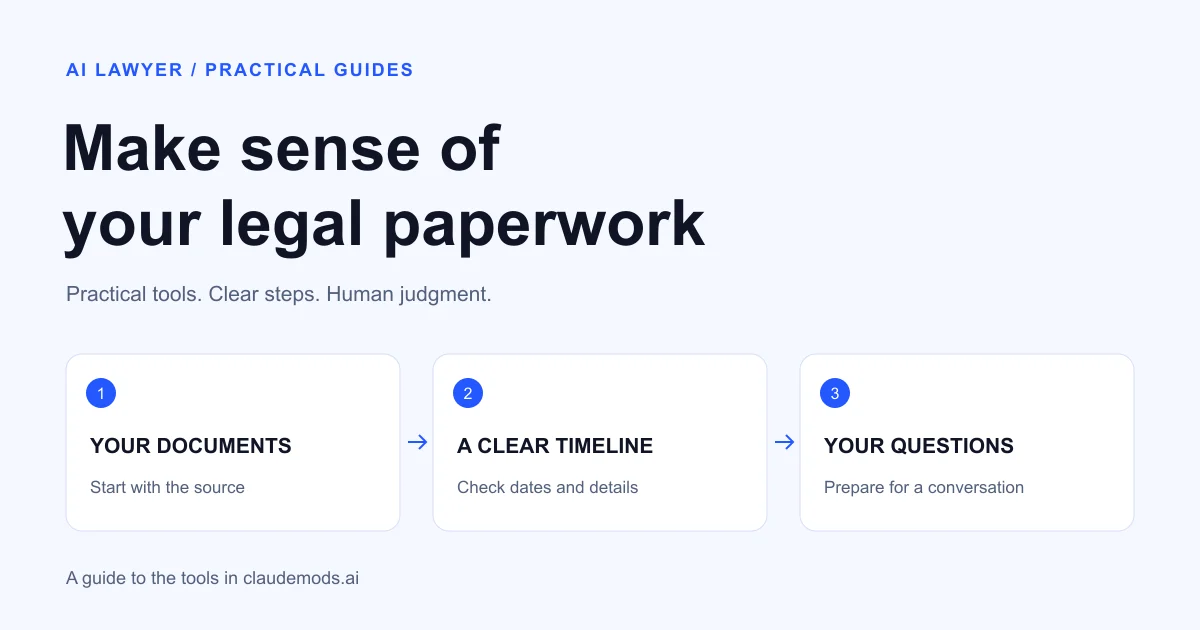
You have a lease, a few emails and a letter you do not fully understand. Before deciding what to do, you need to know what happened, where the relevant wording is and what to ask a lawyer.
Claude Code mods can help organize the workspace around that preparation. Some show changes to files. Others let you ask a side question or see how much room remains in a long session. They are most useful for people who already use Claude Code or are comfortable learning a terminal-based tool.
Our team built Claude Mods, an independent catalog where you can browse these extensions and follow links to their original projects. Here is how a few of them could fit into everyday legal paperwork, without mistaking a software feature for legal advice.
First, what are Claude Code mods?
A mod is an extension that changes part of the Claude Code experience through function hooks. Anthropic publishes examples of built-in mods, including a panel for reviewing file changes. The feature is early access, so compatibility can change.
These are tools for Claude Code, not buttons you add to an ordinary Claude web conversation. They also do not turn Claude into a licensed lawyer or provide a checked database of the law in your location.
If you mainly want to discuss a letter in a browser, AI Lawyer offers a more direct starting point. Mods become interesting when you want more control over a workspace containing several files and a sequence of tasks.
Four useful ways to approach your paperwork
| Your situation | Mod to explore | What you could use it for |
|---|---|---|
| You want to ask about an answer without changing the main task | aside | Ask where a statement came from in the session |
| Claude rewrote a working draft | diff | Inspect the lines it changed in a tracked text file |
| A document session is getting long | context-lens | Notice when it may be time to work in smaller batches |
| You are close to a subscription usage limit | quota-meter | Plan around the reported usage window and reset |
The tasks below are examples to try with a made-up or public document first. We have checked the tools’ documented features; these are not claims that the mods have been tested on real disputes.
Ask a side question with aside
The aside mod opens a separate question-and-answer pane about the current session. Its README explains that the side conversation cannot edit files or call tools, and its questions are not written back into the main thread.
Suppose you asked Claude to summarize a sample rental letter. You could use the side pane to ask:
Which part of the earlier answer came directly from the letter, and which part was an assumption?
That can help you spot an uncertainty worth checking. The side pane is still an AI answer, so open the letter and compare the wording yourself. It may be working from the last completed turn, and side questions can consume additional model usage.
Inspect a draft with diff
The built-in diff mod displays uncommitted file changes. If you work in a Git-tracked folder with plain-text or Markdown files, you can inspect what changed when Claude rewrites a note.
For example, ask it to shorten a draft email while preserving every date and amount. Then look for a changed number, a missing qualification or language that sounds more certain than your original.
This is not a universal comparison tool for scanned PDFs or Word documents. It is a way to inspect changes to working files. Read the complete final draft before using it, and keep the original document separate.
Work in smaller batches with context-lens
context-lens shows how much of the session’s context is in use. When you have a long chain of correspondence, that indicator can prompt you to divide the work into manageable groups.
A sensible sequence is to summarize a few letters, check the summary, then save a short list of confirmed facts before moving on. Ask Claude to preserve exact dates and identify the source of each statement.
The project documentation describes the dashboard. It does not claim to measure whether Claude understood your documents correctly.
Keep usage limits visible with quota-meter
The same project’s quota-meter displays subscription-window usage and reset information. It can help you decide whether to finish a small task now or return later.
The maintainer says it needs a supported Claude subscription; API-key sessions do not provide those plan limits. It does not increase your allowance or reduce the price of the underlying service. Check the current README and your own account terms before installing.
Example: prepare a timeline for a consultation
Imagine a fictional purchase dispute. You have an order confirmation, a delivery message and two emails to customer support. Your immediate goal is a clear account of events and a list of unanswered questions.
Make copies of the sample files and give each a readable name. Then try this prompt:
Use only the sample documents in this folder.
Create a table with: date, event, source filename and exact supporting quote.
If dates conflict, show both. Do not choose one by guessing.
Separate facts stated in a document from my own notes.
Finish with questions I should discuss with a qualified lawyer.
Do not calculate legal deadlines, send messages or change the originals.
Check each row against the source. A purchase date and a delivery date are different events. A date mentioned in an email may refer to something that happened earlier. A neat table is only useful if it preserves those distinctions.
You could use aside to ask which statements remain uncertain, and diff to inspect later edits to the working timeline. The mods support the process; the prompt defines the task, and you check the result.
For the next stage, our lawyer consultation cost guide provides context on consultations and their cost. Bring the source documents as well as your summary.
How to find and try a mod
- Browse by the problem you want to solve. The Claude Mods catalog groups tools by areas such as interface, dashboards, memory and workflow.
- Open the original project. Read the requirements, installation steps and limitations. A catalog listing is a starting point, not a security certification.
- Check the environment. The mods here target compatible Claude Code versions, generally in an interactive terminal, with function hooks enabled where required.
- Try one at a time. Begin with fictional information so you can see what the mod reads, displays or changes.
- Keep a clear stopping point. Save the checked output, preserve originals and review every message before you send it.
You do not need to install every interesting extension. One feature that makes a task easier to inspect is a better first experiment than a workspace full of unfamiliar behavior.
What to check before using personal documents
A legal document may contain more than a name and an email address. An address, a medical detail or the events described in a letter can identify someone too. Review the data handling of Claude Code and each extension before providing real information, and avoid sharing details that the task does not need.
Also separate organization from decisions. Preparing a chronology is different from determining a filing deadline, deciding whether to sign an agreement or choosing a response to a court notice. Those decisions may need advice from a qualified lawyer in your jurisdiction. A mod does not resolve that distinction.
FAQ
Can I install these mods in the Claude website?
The function-hook mods discussed here are built for compatible Claude Code environments. Read each project’s requirements; a Claude website account alone does not mean a terminal mod can run in your browser chat.
Do I need to know how to code?
You do not need to write a mod, but installation and troubleshooting can involve a terminal, plugin commands and settings. If that is unfamiliar, a browser-based assistant may be a simpler choice for discussing a single document.
Can a mod tell me whether a contract is safe to sign?
The mods covered here add workflow features, not a legal assessment. Use them to organize questions and inspect changes. A decision about a contract depends on its wording, your circumstances and the applicable law.
Is Claude Mods an official Anthropic product?
No. Claude Mods is our team’s independent community catalog. It links to projects maintained by their authors and distinguishes built-in Claude Code examples from community tools.
Disclosure: Claude Mods is a project from our team. Tool descriptions were checked against linked project documentation on September 16, 2026. The paperwork scenarios in this article are suggested uses, not results from client cases.
Disclaimer: This information is for general knowledge and does not constitute legal advice. For guidance on your specific situation, consult a qualified attorney licensed in your state.