

AI summary tools do more than compress text. The best ones help you review the right kind of material faster — whether that is a contract, a research paper, a PDF, or a meeting transcript. The real question is not which tool has the most features, but which one fits your workflow.
Some platforms are better for verification and source traceability. Others are stronger for academic reading, legal review, or transcript-based work. This guide focuses on fit, so you can choose the tool that matches the way you actually work.
You Might Also Like:
Best AI Tools for Summarizing Documents at a Glance
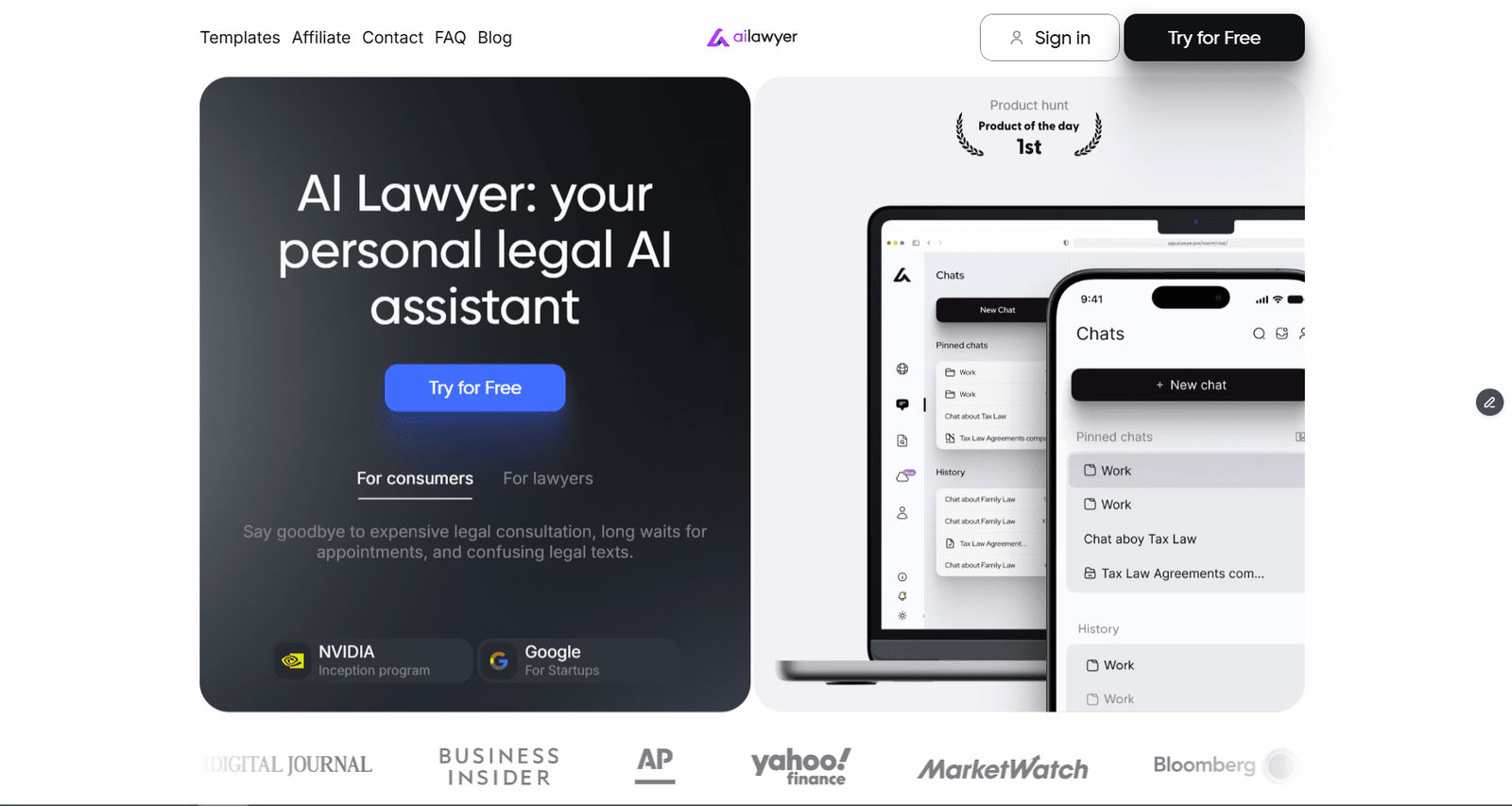
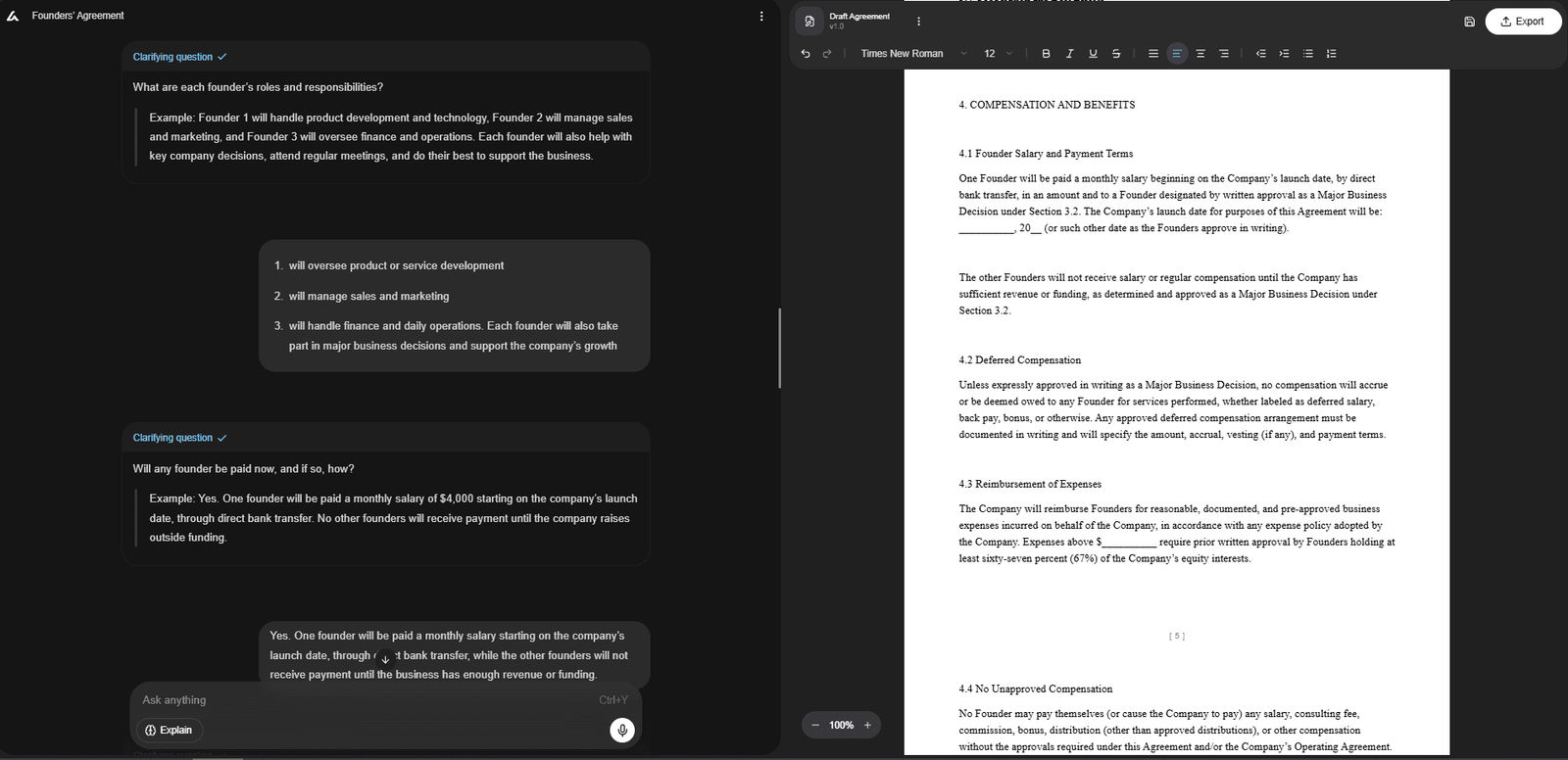
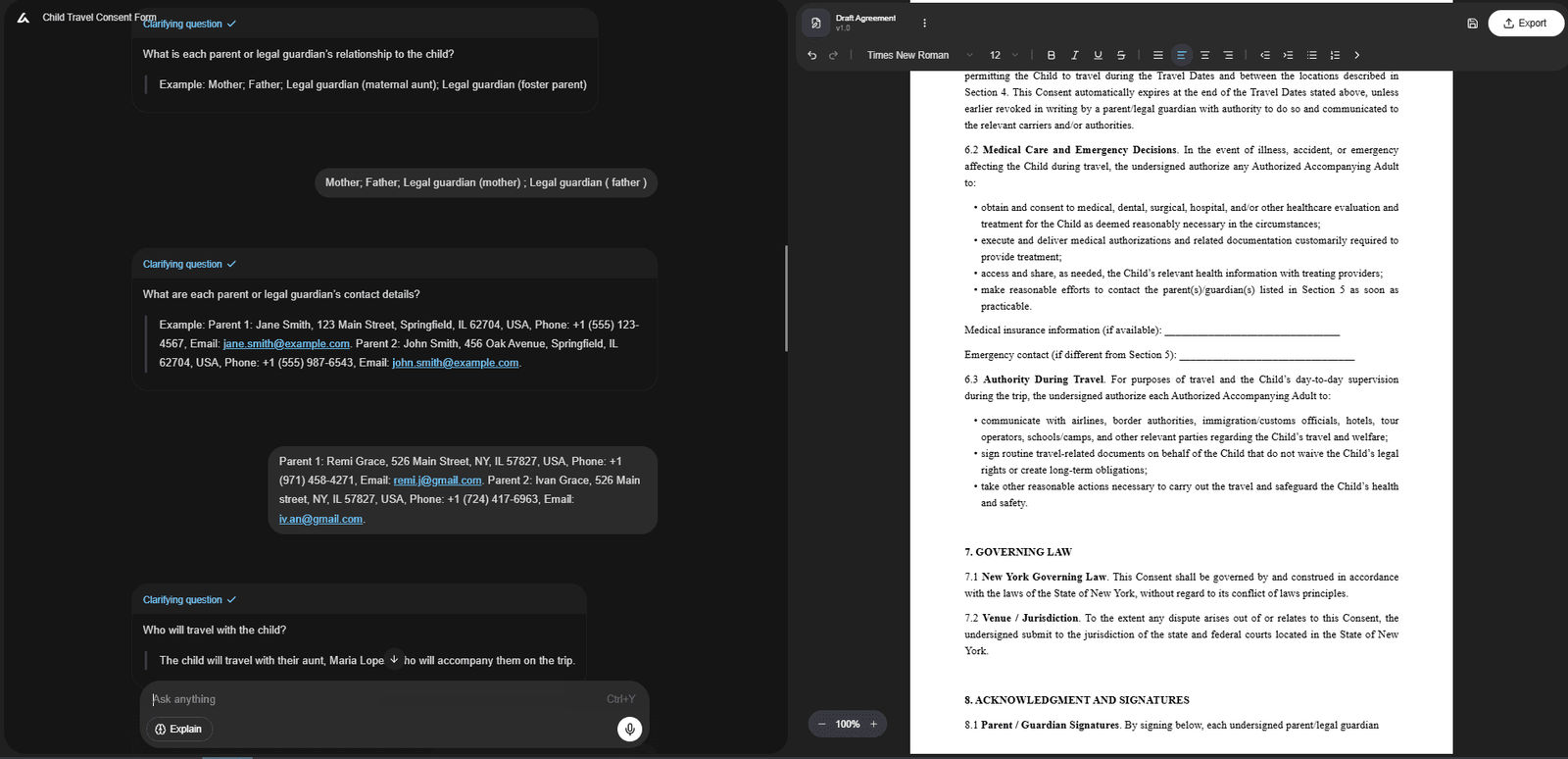
· Best for legal documents: AI Lawyer
Built for contracts, agreements, and legal-first workflows.
· Best for PDFs and source-backed summaries: Sharly AI
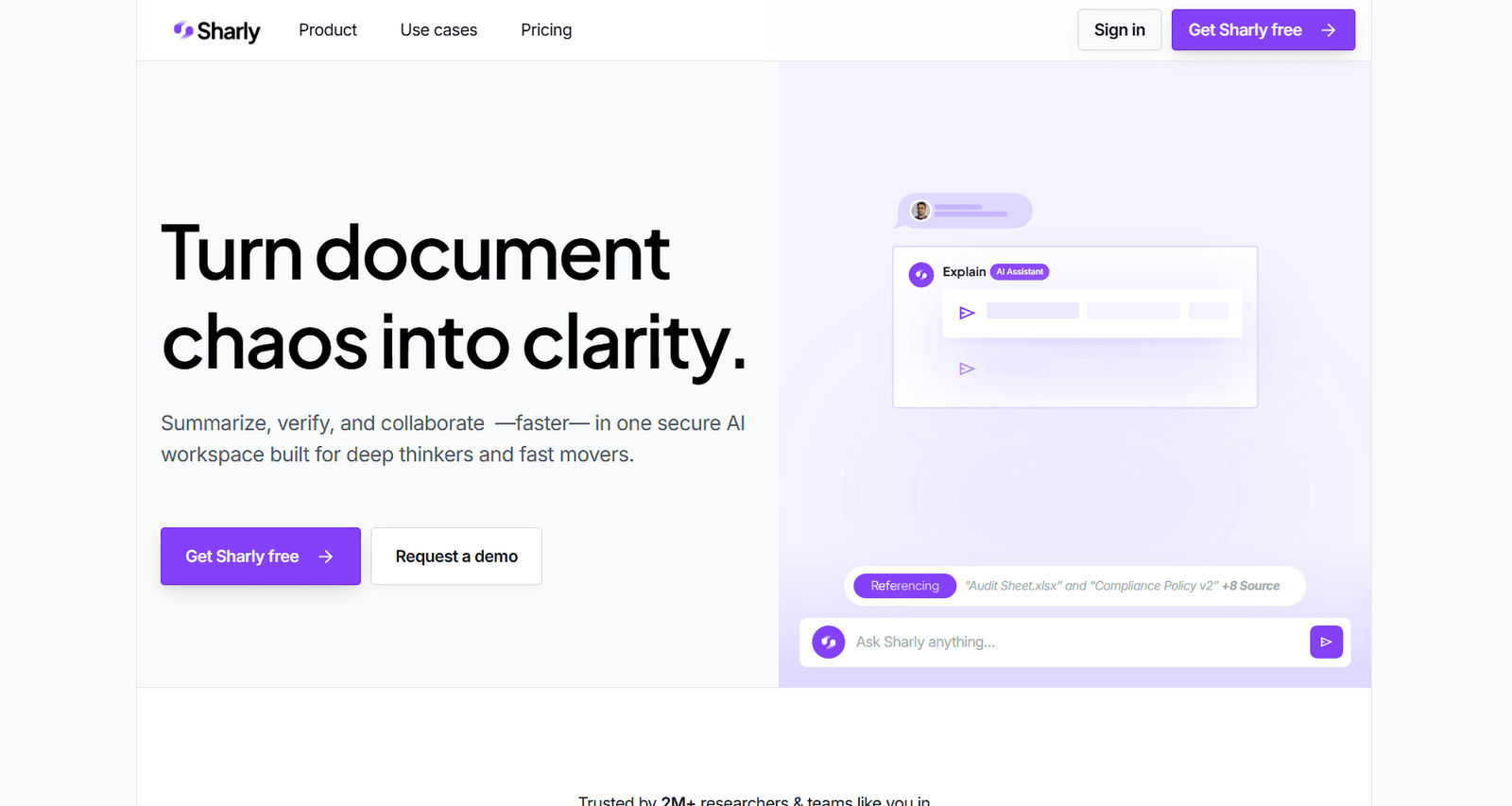
Strong on citations, page references, and multi-file review.
· Best for academic research: Scholarcy
Useful for structured paper summaries and screening.
· Best for meetings, interviews, and lectures: Notta
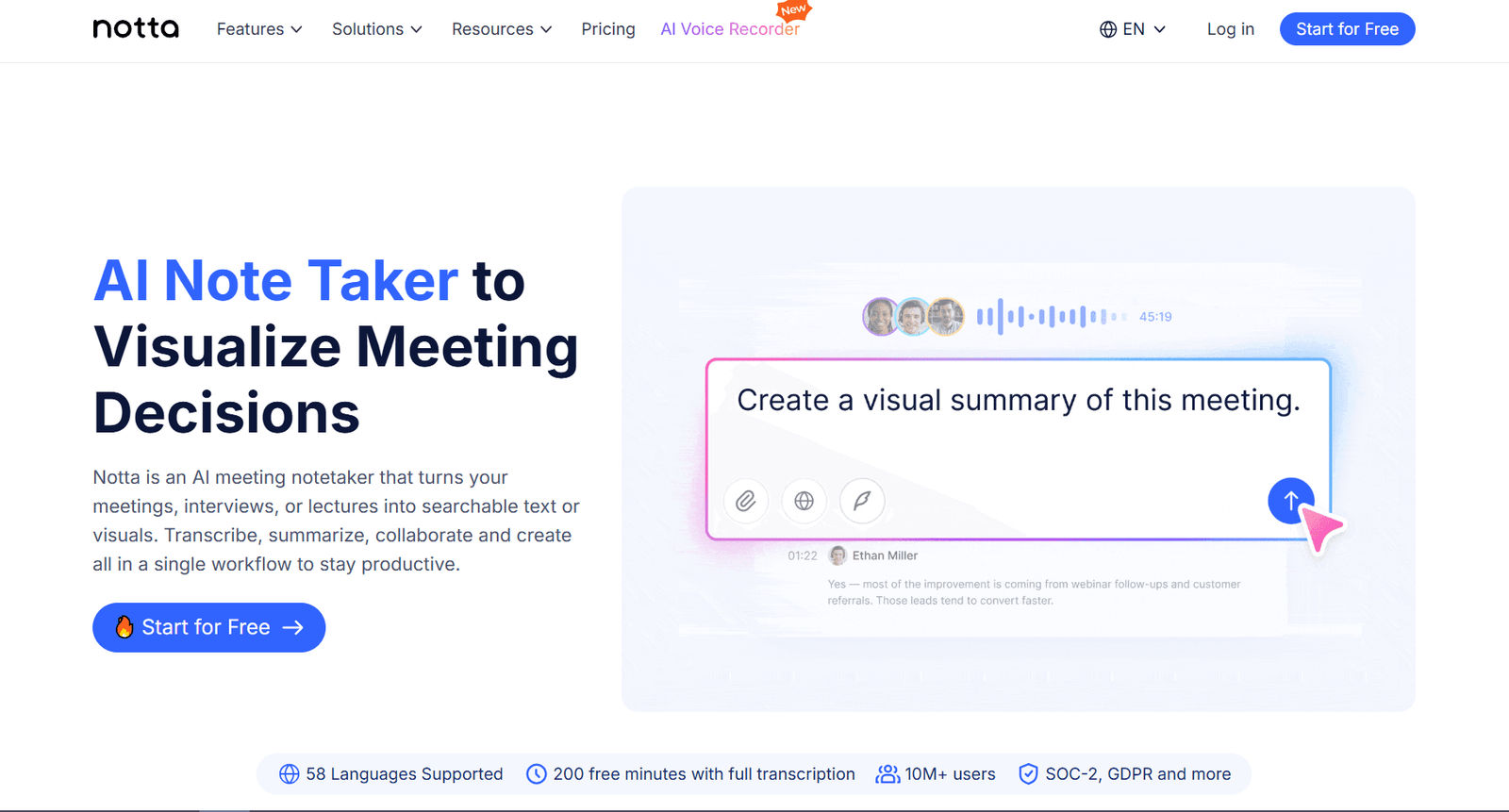
Designed for transcription, recap, and action items.
· Best free option: Scribbr
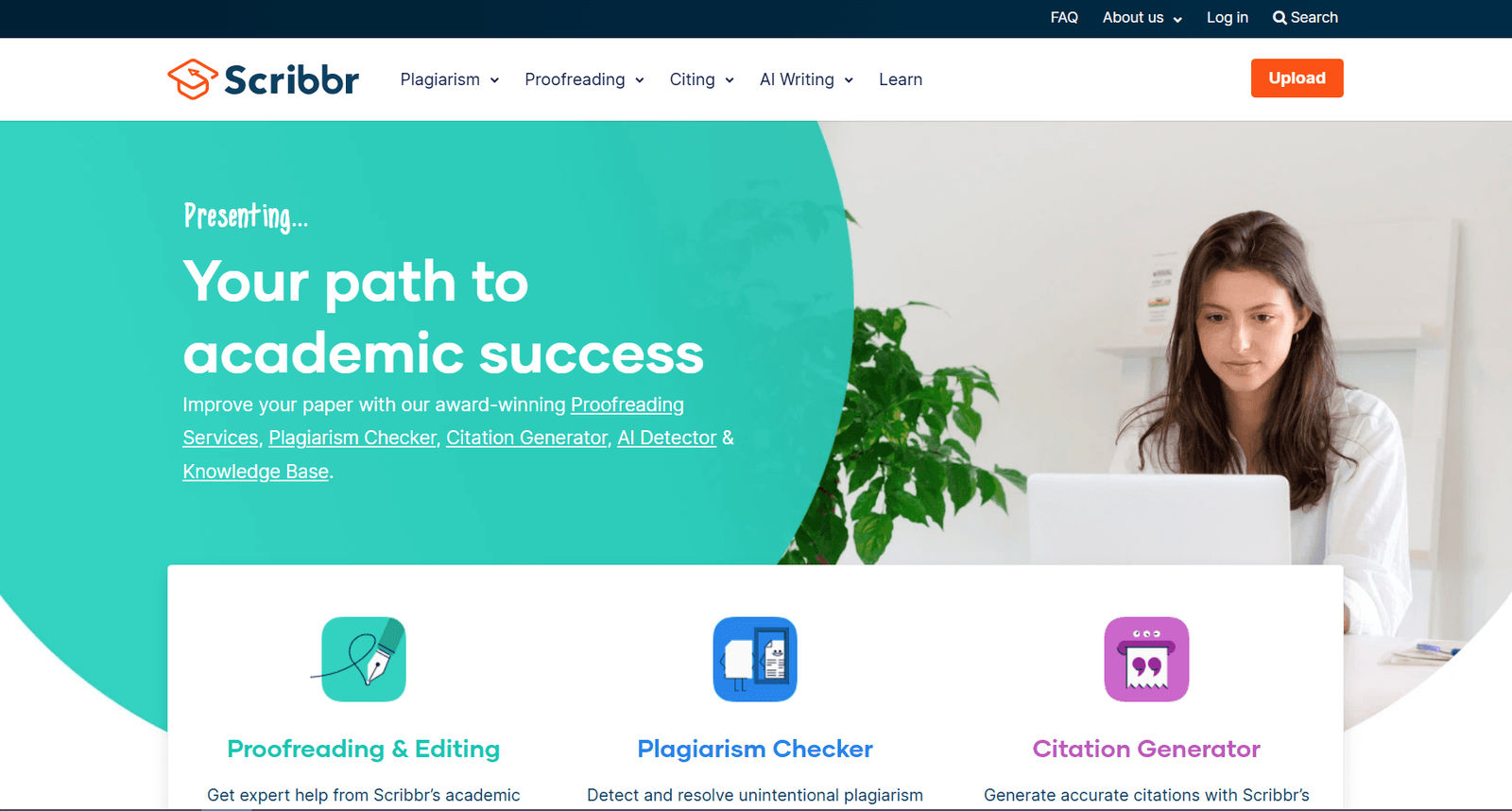
Fast and simple for everyday use.
· Best for articles and web pages: TLDR This
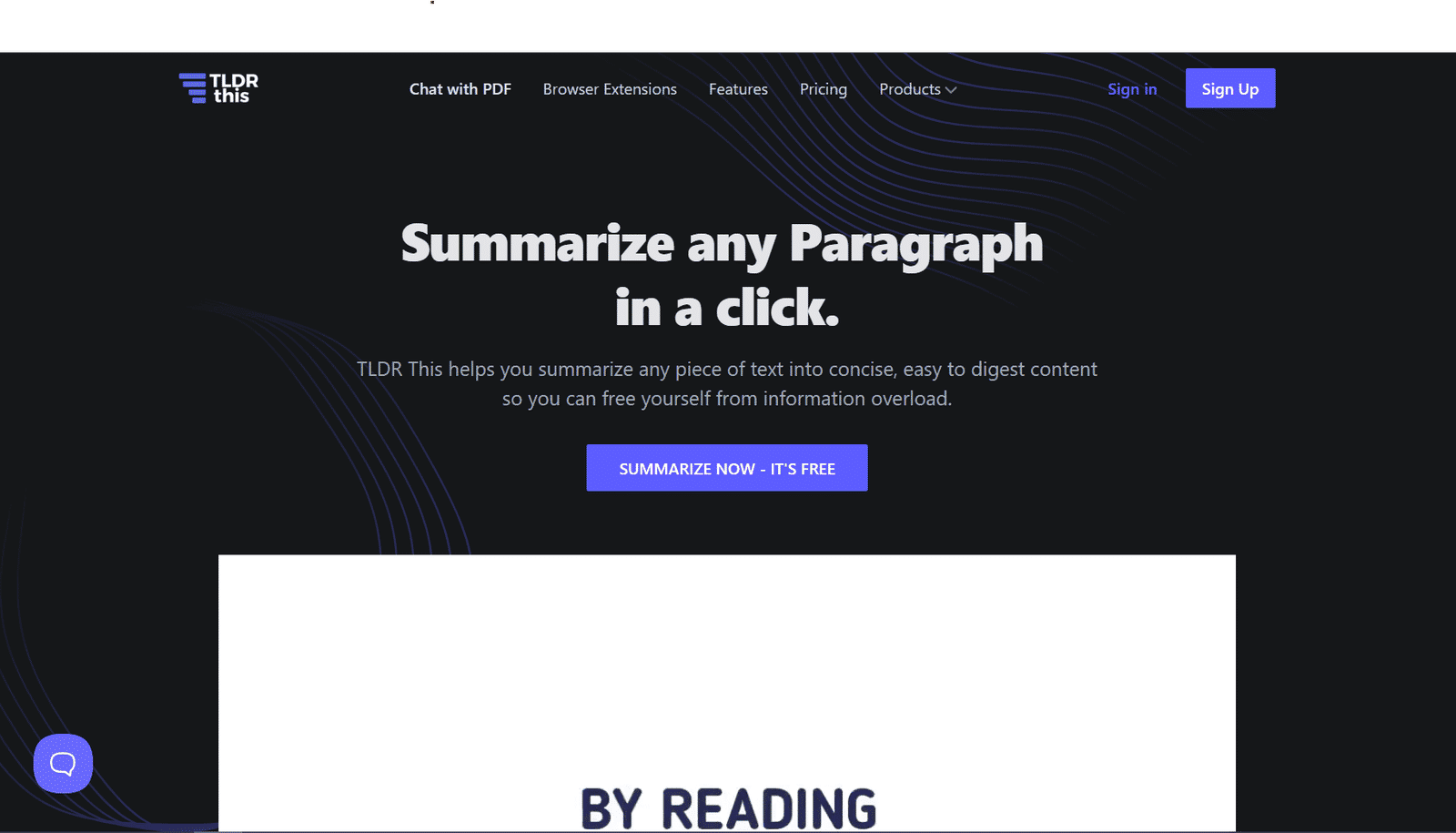
Best for quick summaries of lighter content.
· Best for multilingual summaries: GetDigest
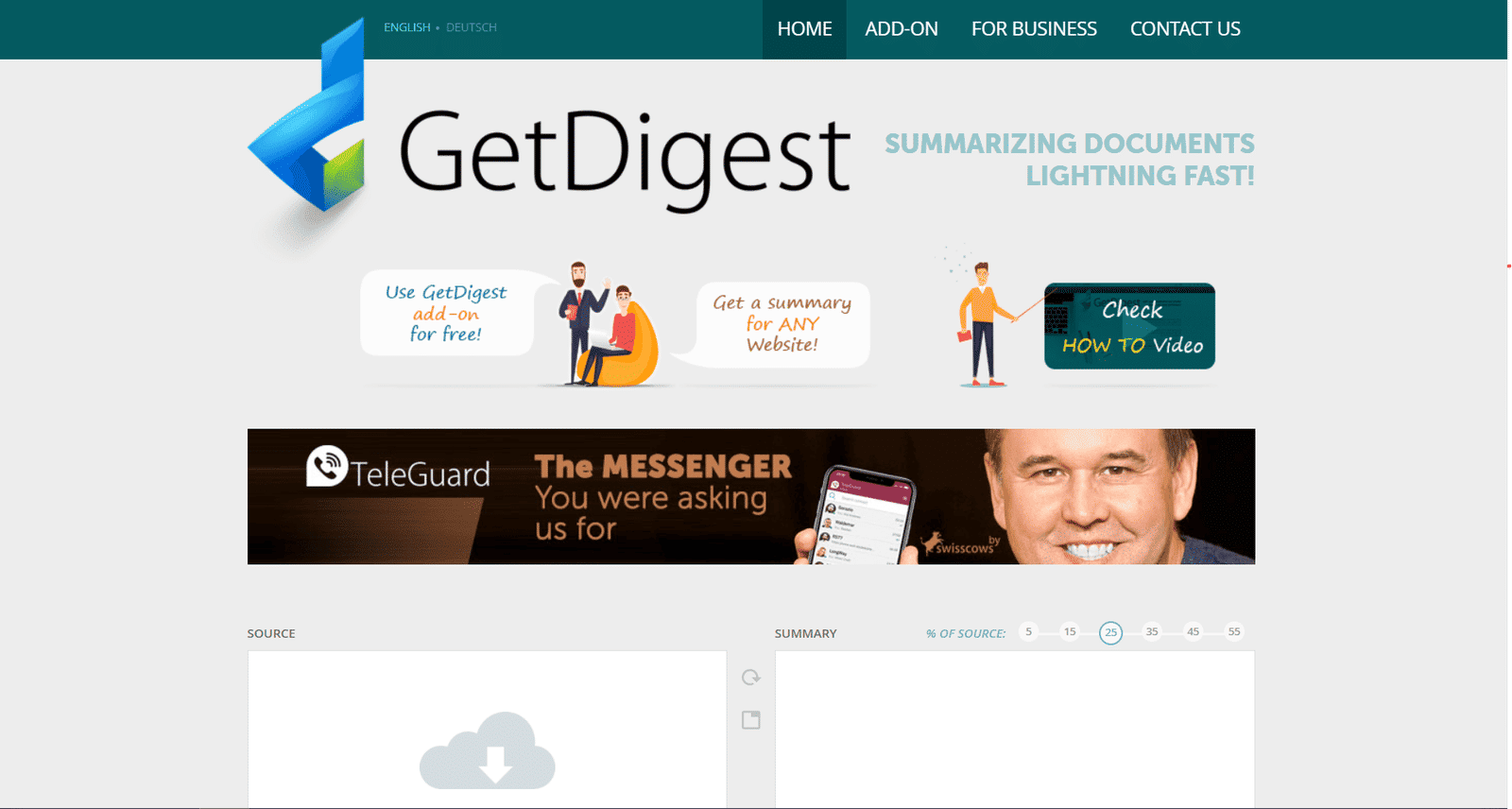
A practical option when language flexibility matters.
Comparison Table of the Best AI Summarization Tools
| Tool | Best for | Typical input | Standout strength | Free access | Main trade-off |
|---|---|---|---|---|---|
| AI Lawyer | Legal document summarization | Contracts, agreements, legal files | Legal-first summaries and document workflows | Yes | More specialized than general tools |
| Scholarcy | Academic papers | Papers, articles, textbooks, videos | Structured academic summaries | Yes | Less useful outside research-heavy work |
| Sharly AI | PDFs, source-backed summaries | PDF, DOCX, articles, audio | Citations, page references, document comparison | Yes | Better for traceability than speed |
| Notta | Meetings and recordings | Audio, video, transcripts | Transcript-to-summary workflows | Yes | Best suited to spoken content |
| TLDR This | Articles and quick summaries | Articles, essays, URLs, documents | Fast gist extraction | Yes | Limited for deeper analysis |
| Scribbr | Free quick summaries | Text, essays, short documents | Simple, free, adjustable length | Yes | Not ideal for high-stakes review |
| GetDigest | Multilingual summaries | Text, documents, URLs | Language support | Yes | Less tailored to legal or academic work |
How to Choose the Right Tool
Choosing the right option is about fit, not hype. Different materials need different kinds of output. A contract, a research paper, and a meeting transcript should not be treated the same way.
Start with the source material
If most of your work comes in PDFs, articles, or papers, a document-first tool usually makes more sense. If your work starts with calls, webinars, or interviews, a transcript-first platform is a better fit.
The closer the tool matches the source, the more useful the summary tends to be.
Decide whether you need speed or traceability
Some tools are built to give you the gist quickly. Others help you verify where a point came from.
That difference matters:
· Extractive summaries pull directly from the source.
· Abstractive summaries rewrite the content more freely.
For legal or research work, being able to check the source often matters more than getting a polished rewrite.
Match the tool to the stakes
A lightweight summary may be enough for a blog post or article. It is usually not enough for a policy, agreement, or research-heavy file.
When the material carries risk, accuracy matters more than convenience.
Check whether the real task is transcript review
Many people think they need a document summarizer when they actually need a tool for spoken content.
Meetings, interviews, and lectures usually require more than a recap. The most useful output is often decisions, action points, and follow-up items.
Review privacy before uploading sensitive files
This matters when you work with contracts, client records, or internal documents.
If a file would be risky to share casually, its privacy settings should be checked before you upload it anywhere.
Define what “useful output” means for you
Some users need a fast overview. Others need:
· structured notes,
· OCR support,
· multilingual handling,
· or workflow automation.
A strong summary is not just shorter. It should help you do the next step faster.
Best Tools by Use Case
The easiest way to choose is by workflow: what you are reviewing, how much precision you need, and what you want the summary to help you do next.
Legal and High-Stakes Documents
Legal material needs more than a simplified recap. Contracts, leases, policies, and similar files require attention to obligations, clauses, risks, and wording.
AI Lawyer is the strongest fit when the task is clearly legal. It is better suited for agreement summaries, document comparison, translation, and scanned legal files than a general-purpose tool.
Sharly AI is also a strong choice when traceability matters, because it helps you check where specific points come from in the source.
Academic and Research Work
Research workflows usually need more than a shorter version of a paper. In practice, users often want findings, methods, limitations, citations, and a way to decide what deserves a full read.
Scholarcy is one of the clearest fits for research because it is built around papers, articles, and structured review.
Unriddle / Anara is more useful when the real task is synthesis across multiple sources rather than summarizing one file at a time.
Sharly AI is also relevant when the summary needs to stay close to the source.
Meetings, Audio, and Video
Spoken content follows a different workflow. You usually need transcription first, then a usable summary.
Notta is the strongest fit when you need to turn recordings into a clean recap quickly.
ClickUp makes more sense when the summary needs to become tasks and follow-through inside a team workflow.
Copy.ai is more relevant in narrower cases where webinar summaries support outreach or follow-up.
Fast, Free, and Everyday Summaries
Sometimes the goal is simply to understand a page, article, essay, or short document faster.
Scribbr is one of the easiest free options for quick summaries.
TLDR This works well for fast article and URL summaries when speed matters more than depth.
GetDigest becomes more relevant when multilingual support is a priority.
Paraphraser.io is a lightweight option when you want brief output with some control.
Content, SEO, and Business Workflows
Some tools are broader writing platforms rather than pure summarizers, but they still make sense when summarization is only one part of a larger process.
Frase is more relevant for SEO and content research.
Jasper is a better fit for larger marketing teams that need stronger brand control.
Hypotenuse AI is more useful for e-commerce teams working with product-driven content at scale.
Common Mistakes When Choosing a Tool
Many lists treat every platform that shortens text as if it solves the same problem. That is usually where the mismatch starts.
Choosing a broader platform than you need
A larger platform may look more powerful, but extra features do not guarantee a better fit.
Pick the tool that matches the task, not the longest feature list.
Ignoring the source format
A long PDF, a lecture recording, and a scanned agreement need different workflows.
Source format often matters more than branding.
Overlooking privacy
Privacy becomes important as soon as the material is sensitive.
For contracts, internal reports, or client documents, data handling should be part of the decision.
Choosing speed over verifiability
Fast output can look polished without being easy to check.
For dense material, a summary you can verify is usually more useful than one that only sounds smooth.
Expecting one tool to do everything well
Very few tools handle legal files, research papers, webinars, and team operations equally well.
Different workflows usually need different tools.
Conclusion
The best summary tool is not the one with the longest feature list. It is the one that fits the material you work with most often.
If your workflow involves research papers and dense source material, Scholarcy and Sharly AI make more sense. If your work starts with meetings or lectures, Notta is the better fit. For legal files, AI Lawyer is better aligned with legal workflows than a generic tool.
For quick free summaries, Scribbr remains an easy starting point. For fast article or URL summaries, TLDR This is a lightweight choice. For multilingual use, GetDigest stands out.
The practical takeaway is simple: pick the tool that matches the job.
FAQ
Which tool is better for contracts and other legal files?
A legal-first or source-backed tool is usually the better choice because it helps preserve clauses, obligations, and risks.
Can these tools help business teams work faster?
Yes. They are most useful when they turn long material into clear points, actions, and next steps.
What matters most for research use?
Structured output, citation support, key findings, and source traceability.
Do the same tools work equally well for PDFs and meeting transcripts?
No. PDFs, contracts, and spoken content usually require different workflows.
When is a simple summarizer not enough?
When the material is dense, high-stakes, or needs verification.
Sources and References
Disclaimer: This information is for general knowledge and does not constitute legal advice. For guidance on your specific situation, consult a qualified attorney licensed in your state.