Free template

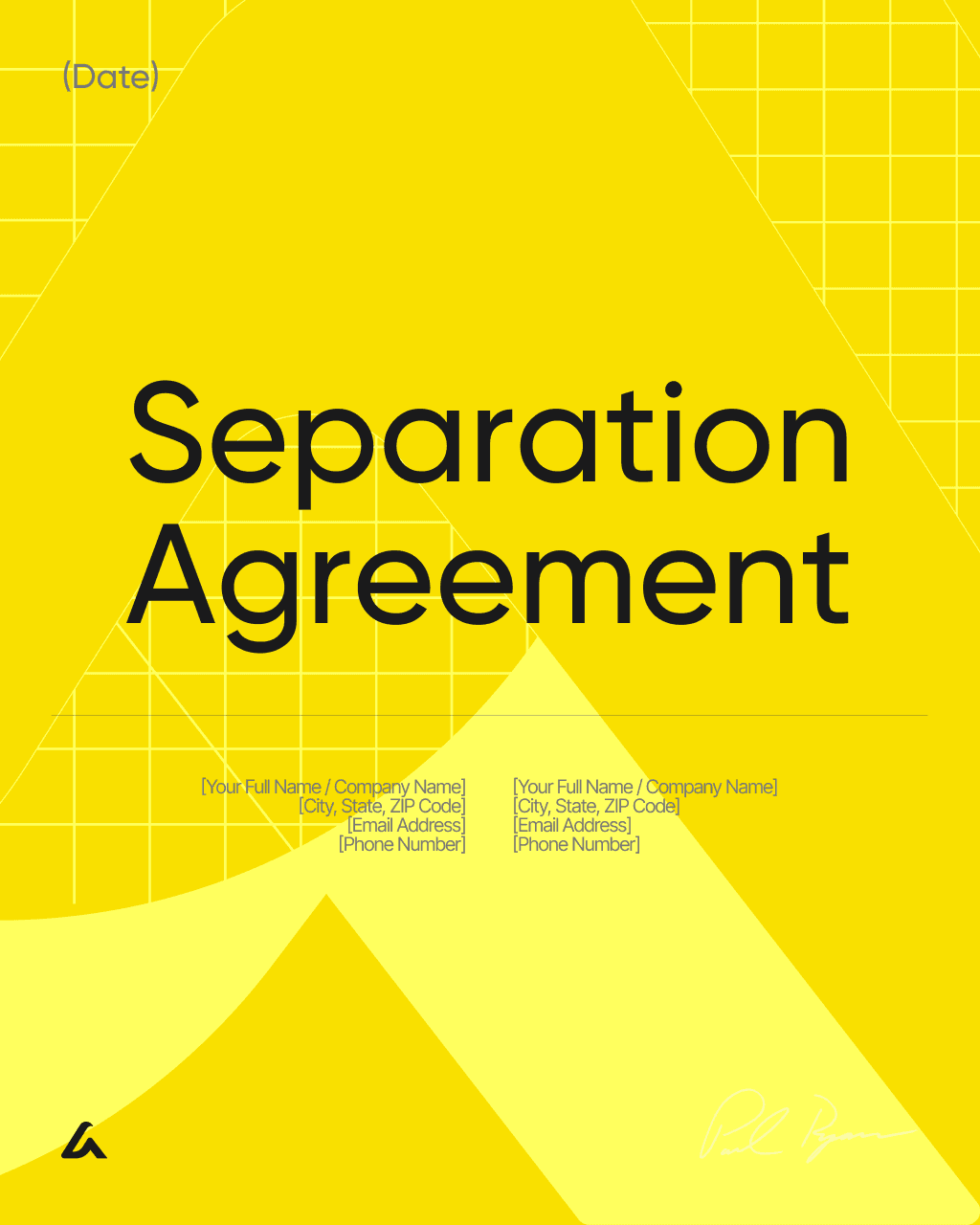
Separation / Divorce-Adjacent Agreements Hub Template – New York

Draft your custom agreement in seconds with AI Lawyer

Separation / Divorce-Adjacent Agreements Hub Template – New York

Download template

Separation / Divorce-Adjacent Agreements Hub Template


1. Hub Profile

Hub Owner: [Full Name (optional)]

Date Created/Updated: [Date]

Jurisdiction: [State/Country (optional)]

Relationship Type: ☐ Married ☐ Domestic partnership ☐ Long-term cohabitation ☐ Other: [__]


2. Information Checklist

People and Dates: [Names/addresses/contacts/marriage or partnership date/separation date/move-out dates]

Children (if any): [Names/DOBs/schedules/school/health coverage/emergency contacts/travel rules]

Income and Support: [Employment/gross and net income/benefits/childcare and medical costs/proposed support amounts and payment methods]

Property and Debts: [Real estate/mortgages/vehicles/loans/accounts/cards/retirement/personal property/business interests]

Practical Logistics: [Utilities/subscriptions/mailing plan/keys/access devices/digital accounts/pets and expenses]


3. Hub Stage Selector

Current Stage: [Select one]

☐ Planning separation (not moved out yet)

☐ Separated (living apart or separating in the same home)

☐ Divorce in progress (case filed)

☐ Post-divorce (enforcing or updating terms)


4. Common Agreement Types Menu

Separation Agreement (General): [Use for written terms while living separately: bills/property/debts/support/parenting (if applicable)]

Temporary/Trial Separation Agreement: [Use for time-limited rules: housing/finances/communication boundaries]

Move-Out Agreement & Mutual Release: [Use for move-out date/property removal/keys/bills through move-out/limited release after completion]

Parenting Plan Agreement (Separation Period): [Use for schedule/exchanges/decision-making/expenses before final orders]

Child Support Agreement (Private Arrangement): [Use for amount/due date/method/healthcare/extra expense split (as applicable)]

Spousal Support Agreement: [Use for amount/duration/method/termination triggers]

Property Settlement Agreement / MSA: [Use for final division of assets/debts and related terms]

QDRO / Retirement Division Packet: [Use for division of certain retirement plans with plan-specific requirements]

Mediation Settlement Agreement: [Use for mediation terms with deadlines/enforcement placeholders]

Debt Allocation Agreement: [Use for assigning responsibility for loans/credit cards/monthly obligations and reimbursement rules]

Household Expense Split Agreement (Same Home): [Use for bills/spaces/boundaries while separating under one roof]

Interspousal Transfer Deed (If Real Estate Title Changes): [Use for title transfer steps: notarization/recording placeholders]


5. Common Letters and Notices Menu

Notice to Vacate / Intent to Vacate: [Use for rental move-out notice timing and delivery method]

Request for Lease Renewal / Counteroffer: [Use for stable housing terms or renewal negotiation]

Name Change Affidavit / Record Update Letter: [Use for bank/employer/school record updates after name change basis exists]

Affidavit of Indigency (Fee Waiver Request): [Use for fee waiver request with local form placeholders]


6. Document Selection Worksheet

Primary goal right now: [__]

Documents to use: ☐ Separation Agreement (General) ☐ Temporary/Trial Separation Agreement ☐ Parenting Plan Agreement ☐ Child Support Agreement ☐ Spousal Support Agreement ☐ Move-Out Agreement & Mutual Release ☐ Property Settlement Agreement / MSA ☐ Mediation Settlement Agreement ☐ QDRO / Retirement division packet ☐ Interspousal Transfer Deed ☐ Other: [__]

Target date to finalize selected documents: [Date]

Priority issues: [List 3–5]


7. Next Steps

Draft sharing method: [Email/Portal/In person/Other]

Mediation planned: [Mediator name/date (optional)]

Court filing planned: [Court/case (optional)]

Review plan: [Attorney review/Peer review/Other]


8. Signatures

Hub Owner / Prepared By: [Full Name (optional)]

Date: [Date]

Signature: ___________________________

Acknowledgment: [Receipt acknowledgment only (optional)]

Name: [Full Name]

Date: [Date]

Signature: ___________________________


9. Document Checklist (Adapted Evidence Checklist)

Document Type

Where Stored

Last Updated

Shared With

Ref ID

[Tax returns]

[Location]

[MM/YYYY]

[Name/Email]

[__]

[Bank statements]

[Location]

[MM/YYYY]

[Name/Email]

[__]

[Parenting calendar]

[Location]

[MM/YYYY]

[Name/Email]

[__]


10. Mediation/Court Intake (Adapted Claim Intake)

Mediator/Court Contact: [Name/Organization]

Reference/Case ID (if any): [__]

Upcoming Dates: [Session/call dates]

Preferred Delivery Method for Drafts: [Email/Portal/Other]


11. Decision Log (Short Form)

Tentative Agreements: [List]

Open Questions: [List]

Next Decision Date: [Date]


12. Parenting Inputs (If Applicable)

School/Childcare Contacts: [__]

Routine Constraints: [Pickup times/activities]

Healthcare Coverage Details: [__]

Flash deal

Flash deal

Today

Today

No time to fill it up? Generate your custom agreement with AI Lawyer in seconds

What’s Included

Legal Research

Contract Drafting

Document Review

Risk Analytics

Citation Verification

Easy-to-understand jargon

Details

Learn more about

Separation / Divorce-Adjacent Agreements Hub Template – New York

Click below for detailed info on the template.
For quick answers, scroll below to see the FAQ.

Click below for detailed info on the template.
For quick answers, scroll below to see the FAQ.

New York Separation / Divorce-Adjacent Agreements Hub Template FAQ


Is this hub a legal separation or divorce filing?

No. This hub is a planning and drafting organizer, not a court filing. It helps you identify which agreements or letters you may want to prepare and what information you should gather before drafting. Courts and agencies may require specific local forms or disclosures for certain topics, but this hub is meant to help you organize the terms you want and the facts that support them. Think of it as a roadmap that can support negotiation, mediation, or attorney review. Keeping the plan in one place can reduce confusion and help you move from broad goals to concrete, written terms.


How do I use the stage selector if we have not filed a case?

If no case has been filed, you can still use the “planning separation” or “separated” stage to choose documents that stabilize day-to-day life. Those early documents often address bills, living arrangements, move-out timing, and parenting routines, while leaving final division decisions for later. The stage selector is a way to match the level of detail to where you are in the process. You can also keep a notes section for topics that are not ready for final numbers, such as support, and use the hub to track what information is still missing before drafting more complete terms.


What is the difference between a separation agreement and a marital settlement agreement?

A separation agreement often focuses on rules and responsibilities while living apart, such as household bills, temporary support, and parenting schedules during the transition. A marital settlement agreement usually reflects more complete “final terms” dividing assets and debts and setting ongoing support and parenting terms, often as part of a divorce resolution. The hub separates these options so you can choose a temporary framework first and then move toward a more comprehensive final package when financial information and inventories are complete. Using the hub can help you avoid skipping steps by forcing final terms before you have enough detail to make them stable.


When is a temporary parenting plan useful during separation?

A temporary parenting plan can be useful when children need predictable routines before any final order or final agreement is completed. It can document schedules, exchange logistics, decision-making, and expense sharing in a way that is easy to update as circumstances change. The hub helps by separating “separation period” parenting planning from final settlement documents so you can address immediate needs first. Even if you expect to finalize a full settlement later, capturing a short-term plan can reduce conflict by setting expectations about school nights, holidays, communication, and travel rules. Clear routines also reduce last-minute disputes about pickups and costs.


How can the hub help when mediation is planned?

Mediation is easier when you arrive with organized information and a clear list of decisions that must be made. The hub helps you identify the documents that mediation may produce, such as a mediation settlement agreement, and the supporting information needed for those terms. You can use the hub’s checklist to gather account lists, debt balances, parenting schedules, and budget snapshots before sessions. You can also use the hub to record tentative agreements and deadlines for exchanging documents. Having one organized reference reduces time spent rehashing basics and helps mediation focus on resolving the remaining issues.


What if we cannot agree on support numbers yet?

If you are not ready to agree on final support amounts, you can still use the hub to capture interim arrangements and decision triggers. For example, you can document who pays which bills for a set period, set a date to revisit support, and list the financial documents needed to make a more informed decision. The goal is to reduce uncertainty while you gather information. The hub’s structure supports that by allowing you to select temporary agreements and to track missing inputs such as income records, childcare costs, and medical expenses. Updating the hub as data becomes available makes it easier to progress from interim terms to more complete agreements.


How should the hub be updated after circumstances change?

Treat the hub as a living index rather than a one-time worksheet. When a major change occurs — such as a move-out date shift, job change, or schedule change — update the hub’s key dates and selections first. Then identify which downstream documents would need matching updates, such as a parenting plan or expense split agreement. Keeping a date-stamped “created/updated” field and a short change log helps maintain clarity about which version is current. This approach can prevent situations where one draft reflects old dates while another draft reflects new dates. Consistent updates also make attorney or mediator review more efficient, because reviewers can tell which version controls.

Similar templates
Other templates from

Family Law

Money back guarantee

Free trial

Cancel anytime

AI Lawyer protects

your rights and wallet

🌐

Company

Learn

Terms

©2026 AI Lawtech Sp. z O.O. All rights reserved.

Money back guarantee

Free trial

Cancel anytime

AI Lawyer protects

your rights and wallet

🌐

Company

Learn

Terms

©2026 AI Lawtech Sp. z O.O. All rights reserved.

Money back guarantee

Free trial

Cancel anytime

AI Lawyer protects

your rights and wallet

🌐

Company

Learn

Terms

AI Lawtech Sp. z O.O.

©2026

Money back guarantee

Free trial

Cancel anytime

AI Lawyer protects

your rights and wallet

🌐

Company

Learn

Terms

©2026 AI Lawtech Sp. z O.O. All rights reserved.