
Storage page
What you can do with AI Lawyer's smart storage
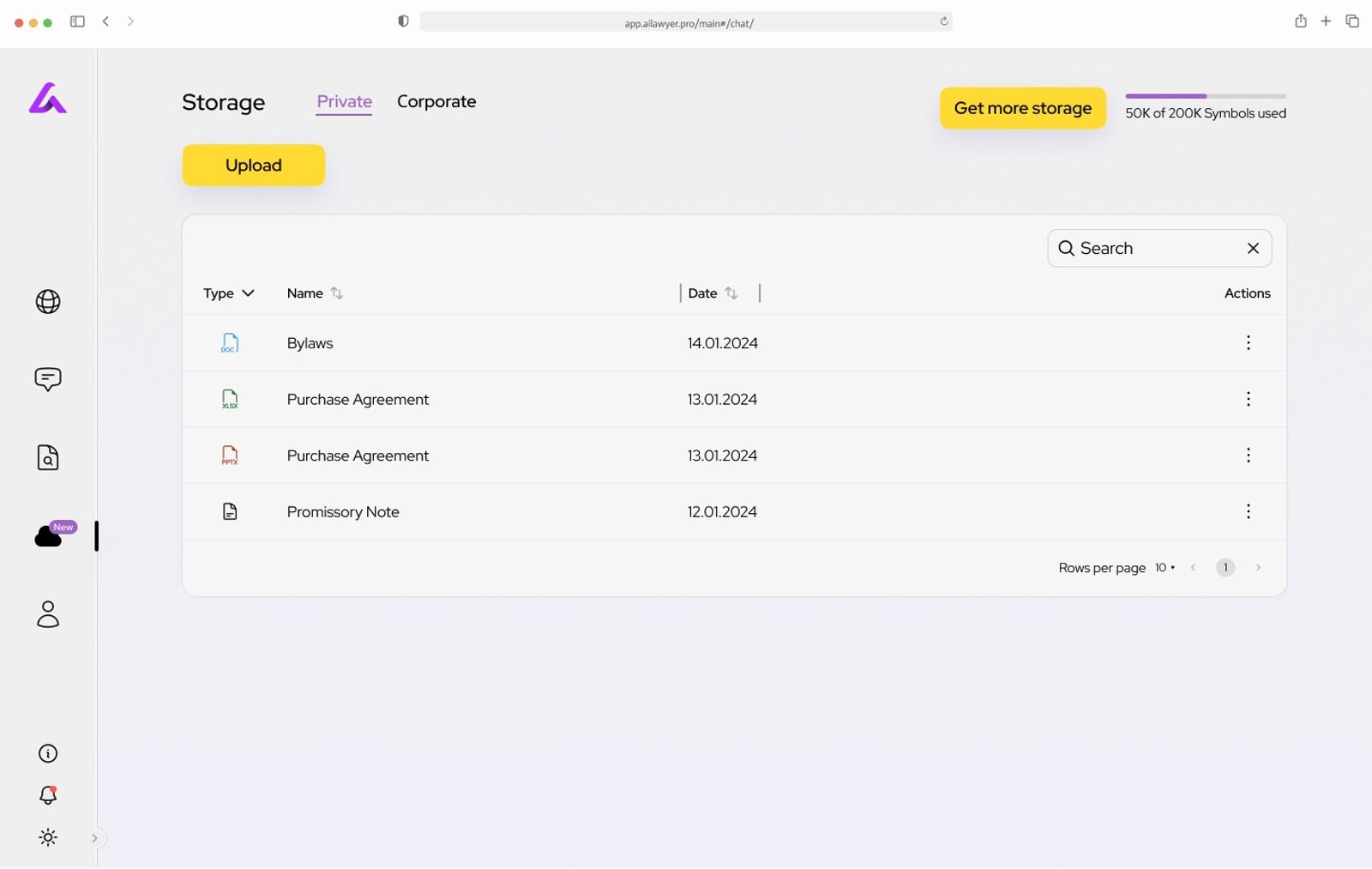
Storage Page Overview:
The Storage page allows you to upload, manage, and organize your documents with ease.
Upload Files:
- Click the "Upload" button to add documents from your device or connect your 3rd party storage.
Integration:
- Connect your storage from Google Drive, MS OneDrive, SharePoint, Dropbox, Box, or Notion for seamless file access.
File Management:
- Sort documents by type, name, or date for easy organization.
Upload to Chats:
- Easily upload files from your storage directly into chats, ensuring that your documents are always accessible during conversations.
Get More Storage:
- Upgrade your storage capacity as needed with the "Get More Storage" option.